
Care · 2026
Clean a glossy screen, without damaging it
A glossy screen shows deep blacks and saturated colours, and also every fingerprint. Cleaning it takes two minutes and almost nothing: a microfibre cloth and a little water. The real risk is not dirt, it is the wrong product.
Why a glossy screen needs a gentle hand
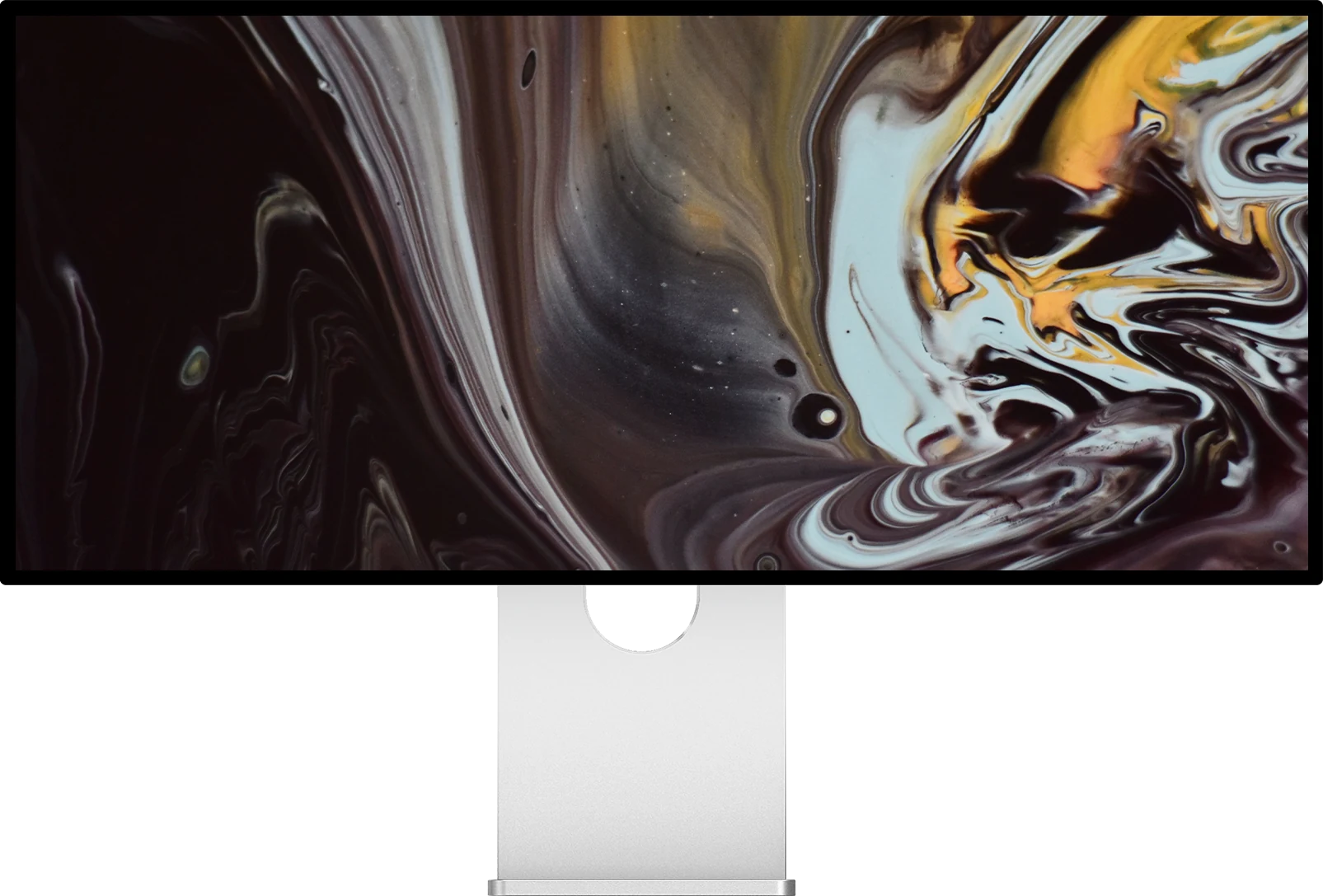
The front of a glossy monitor is a smooth surface covered with an anti-reflective treatment: a very thin layer that attenuates reflections without scattering the light of the panel. It is what keeps blacks deep and colours saturated.
That layer is the fragile part. Alcohol, ammonia or solvents attack it, and abrasive fibres wear it. The damage does not show at first, then appears as patches where reflections look different from the rest of the screen. It is permanent: no cleaning brings it back.
The method
Six steps, two minutes
Switch the screen off and let it cool
Dust and marks show far better on a black screen, and a cool surface does not dry water too fast, which avoids streaks. Unplug the monitor if you clean near the ports.
Remove the dust with a dry cloth
Start with a clean, dry microfibre cloth and light pressure. Dust wiped off first will not be dragged across the surface in the next step.
Slightly dampen a second cloth
For fingerprints and marks, moisten a corner of the cloth with a little water, preferably distilled, which leaves no mineral traces. The cloth should be damp, never wet.
Never spray onto the screen
Liquid sprayed directly runs down to the edges of the panel and can seep inside. Always put the water on the cloth, never on the screen.
Wipe gently, in one direction
Use straight, light strokes rather than hard circles. If a mark resists, go over it again with the damp cloth rather than pressing harder.
Finish with the dry cloth
Dry the surface straight away to avoid water marks. Wash your cloths regularly without fabric softener, which leaves a greasy film that smears.
To avoid
What you should never use
| Product | Why not |
|---|---|
| Window or glass cleaner | often contains ammonia, which attacks the anti-reflective treatment |
| Alcohol, alcohol wipes | dissolves and wears the surface coating over time |
| Acetone, solvents, degreasers | damage the coating and the plastic parts around the panel |
| Paper towel, kitchen roll, tissues | their fibres are abrasive and leave fine marks |
| Sponges, rough cloths | scratch the treatment |
| Liquid sprayed onto the screen | runs down to the edges and can seep into the panel |
General guidance for anti-reflective coatings. When in doubt, a damp microfibre cloth with water is always the safe choice.
Special cases
Stubborn fingerprints
Skin grease sometimes needs two or three passes with the damp cloth. Repeat rather than adding a product: patience is what protects the coating.
Dried splashes
For a dried drop of coffee or water, hold the damp cloth on the mark for a few seconds to soften it, then wipe gently.
Matte screens
The same rules apply to our matte models (P27L, P27ZB, G32X and P40K), with an even lighter touch: rubbing hard can permanently polish the micro-roughness that scatters reflections.
The chassis
The machined aluminium of Kuycon monitors cleans the same way, with a slightly damp microfibre cloth. Keep water away from the ports.

Which Kuycon screens are glossy?
Glossy anti-reflective: G27P, G27X SE, P27Z, P27D, P32K, P32T, G32P, Q32S, Q34W and W34KB.
Matte: P27L, P27ZB, G32X and P40K.
Not sure which finish suits your room? Our guide matte or glossy helps you decide, and our article on glossy screens explains why we kept glass on most of the range.
FAQ
Cleaning a glossy screen: frequently asked questions
Can I use alcohol to clean a glossy monitor?
No. Alcohol and alcohol wipes wear the anti-reflective treatment over time. A microfibre cloth slightly dampened with water is enough.
Can I use window cleaner on my screen?
No. Window cleaners often contain ammonia, which attacks the anti-reflective coating and leaves permanent patches.
Tap water or distilled water?
Distilled water is preferable because it leaves no mineral traces. Tap water works too if you dry the screen straight away with a dry cloth.
Does a glossy screen scratch easily?
The surface is smooth and resistant, but the anti-reflective layer is very thin: paper towels, sponges and rough cloths can mark it. Use only clean microfibre.
How often should I clean my screen?
A quick dusting with a dry cloth once a week, and a damp wipe only when marks or fingerprints become visible.
Glass, where it counts
Most of the Kuycon range uses glossy anti-reflective glass, for deeper blacks and more saturated colours. Shipped from Europe, with after-sales service in Europe.
See the rangeGuide written in October 2026. These recommendations apply to all Kuycon monitors.