
Comparison · 2026
Three ultrawides, three different trade-offs
Kuycon makes three 21:9 monitors. Two share the same 34-inch size, two share the same 5120 x 2160 resolution, and none of them is the right answer for everyone. Here is how to choose.
The three models
Sharpness, value or size
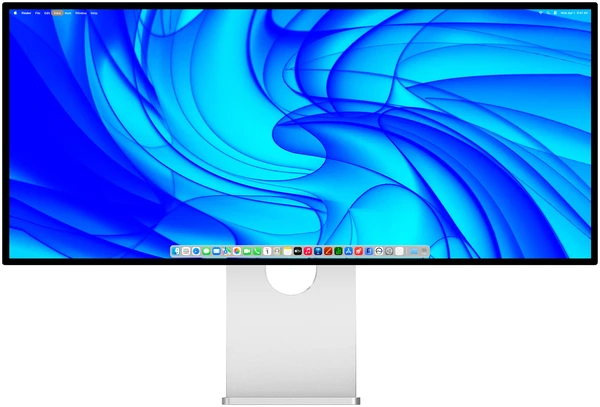
Kuycon W34KB
34" · 5K2K · Fast HVA · 180/360 Hz
From 1 119,00 €
- Resolution5120 × 2160
- Density163 ppi
- Contrast3300:1
- Finishglossy
Why choose it: the most pixels on a 34-inch desk, the highest contrast of the three and a dual 180/360 Hz mode. The one to take if you read text all day and also play.
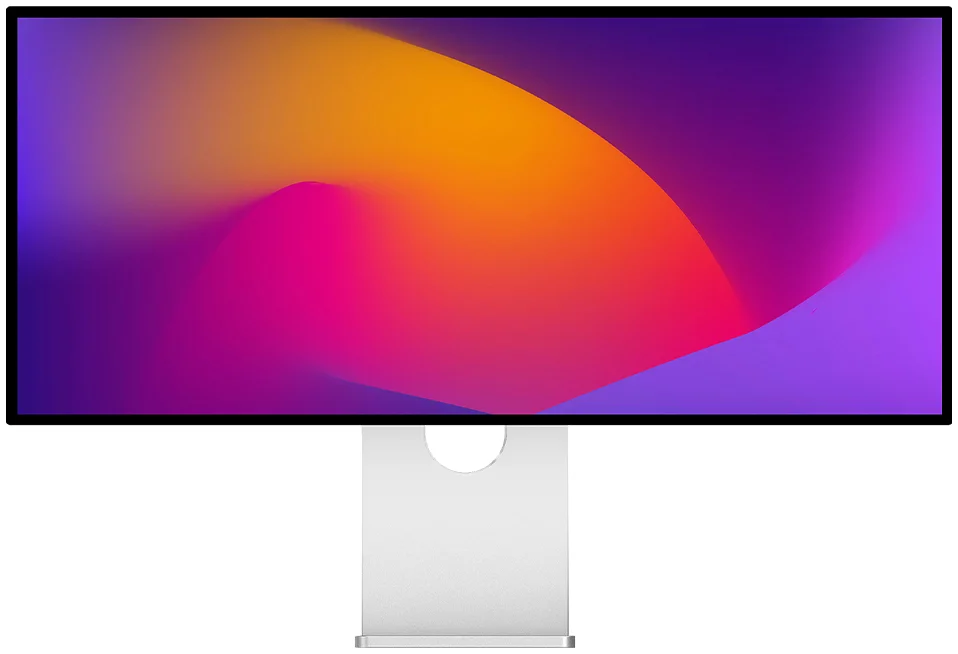
Kuycon Q34W
34" · 3440 × 1440 · Nano IPS · 165 Hz
From 769,00 €
- Resolution3440 × 1440
- Density109 ppi
- Contrast1000:1
- Finishglossy
Why choose it: the classic 34-inch ultrawide workspace, 165 Hz and a bright panel, for about two thirds of the price of the W34KB. Ideal when the budget matters more than text sharpness.
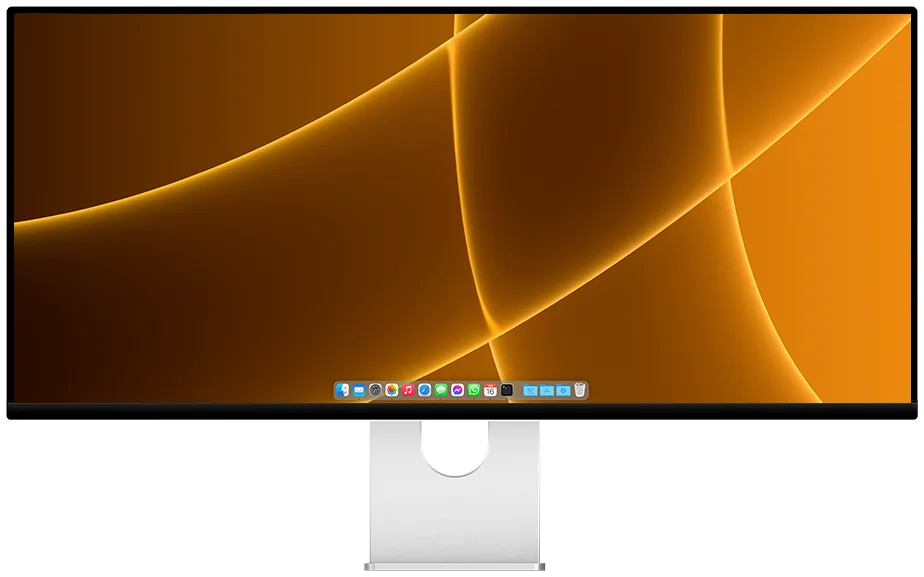
Kuycon P40K
40" · 5K2K · Nano IPS · 120 Hz
From 1 279,00 €
- Resolution5120 × 2160
- Density139 ppi
- Contrast1300:1
- Finishmatte
Why choose it: the same 5120 x 2160 pixels as the W34KB on a 40-inch panel. Everything is larger, the matte finish handles bright rooms, and the canvas suits editing timelines.
| W34KB34" | Q34W34" | P40K40" | |
|---|---|---|---|
| Resolution | 5120 × 2160 | 3440 × 1440 | 5120 × 2160 |
| Pixels | 11 million | 5 million | 11 million |
| Density | 163 ppi | 109 ppi | 139 ppi |
| Panel | Fast HVA | Nano IPS | Nano IPS |
| Refresh rate | 180 Hz (360 Hz in WFHD) | 165 Hz | 120 Hz |
| Contrast | 3300:1 | 1000:1 | 1300:1 |
| Brightness | 450 nits full screen, HDR 600 | 600 nits | 400 nits full screen |
| DCI-P3 | 98 % | 92 % | 96 % |
| Finish | glossy | glossy | matte |
| Single USB-C cable to a Mac | yes, 100 W | yes, 100 W | yes |
| Built-in speakers | perforated back version | ||
| Starting price | 1 119,00 € | 769,00 € | 1 279,00 € |
Manufacturer specifications. Prices are shown in your currency and may change.
W34KB or Q34W: same desk, very different sharpness
Both are 34 inches wide and take the same place on the desk. The difference is inside: the W34KB has 5120 x 2160 pixels where the Q34W has 3440 x 1440, more than twice as many on the same surface. On a Mac, that is what separates text that looks printed from text that looks like a screen.
The W34KB also brings a much deeper contrast (3300:1 against 1000:1, a difference you see in every dark scene), a faster refresh rate and the 360 Hz esports mode. The Q34W answers with a lower price and a brighter panel, and remains an excellent ultrawide for office work, games and anyone using Windows at native resolution.
W34KB or P40K: same pixels, different size
These two share exactly the same 5120 x 2160 resolution. The P40K spreads it over 40 inches, so everything is about 18 % larger at the same setting, and the panel is matte. The W34KB packs it into 34 inches, which makes it sharper (163 against 139 ppi), faster (180 against 120 Hz) and more contrasted.
Choose the P40K if you sit a little further back, work in a bright room or edit long timelines where width is everything. Choose the W34KB if your desk is a standard depth or if you also play: 40 inches at arm's length means turning your head to reach the corners.
Gaming
The W34KB is the clear choice: 180 Hz at 5K2K, 360 Hz in WFHD, 1 ms response and FreeSync and G-Sync Compatible. Its dual mode is explained here. The Q34W at 165 Hz is the budget alternative, and it is easier on the graphics card since it has fewer pixels to fill. The P40K, at 120 Hz, is a work screen first.
On a Mac
All three run over a single USB-C cable. The W34KB gives the sharpest result thanks to its density, and our guide to scaling a 5K2K ultrawide on a Mac shows how to set it up. The Q34W at 109 ppi is used at its native size, which is comfortable but less crisp than Apple's Retina screens.
Our recommendation
Mac, text, code, photo, and some gaming: the W34KB.
Budget first, or mainly games and films: the Q34W.
Video editing, bright room, deeper desk: the P40K.
FAQ
Choosing a Kuycon ultrawide: frequently asked questions
Does the W34KB replace the Q34W?
No. The W34KB succeeds the discontinued G34W, a 34-inch 5K2K limited to 60 Hz. The Q34W stays in the range as the more affordable 34-inch ultrawide.
Do the W34KB and the Q34W take the same space on the desk?
Yes, both are 34-inch 21:9 panels about 82 cm wide. The W34KB simply fits more than twice as many pixels into that width.
Is the P40K sharper than the W34KB?
No. They have the same 5120 x 2160 resolution, but the P40K spreads it over 40 inches, so its density is lower: 139 ppi against 163 ppi for the W34KB.
Which Kuycon ultrawide is best for gaming?
The W34KB: 180 Hz at 5120 x 2160, 360 Hz in 2560 x 1080, 1 ms response and adaptive sync. The Q34W at 165 Hz is the budget option.
Glossy or matte: which should I choose?
The W34KB and the Q34W are glossy, for deeper blacks and richer colour. The P40K is matte, a better fit for a room with a window or lights behind you.
The right ultrawide for your desk
Three 21:9 screens, from the most affordable to the sharpest. Shipped from Europe, with after-sales service in Europe.
See the rangeComparison written in October 2026 from the manufacturer's specifications. Prices are shown in your currency.