
Comparison · Updated November 2026
Kuycon G27P vs ASUS ProArt PA27JCV: two 5K monitors for Mac
Both are 27-inch 5K monitors at 218 ppi, the Retina density macOS is designed for. The ASUS ProArt PA27JCV is a factory-calibrated tool for colour work, with a matte screen and a KVM switch. The Kuycon G27P goes for contrast, brightness and a faster refresh rate. Here is how they differ.
The short answer
Same sharpness, different priorities
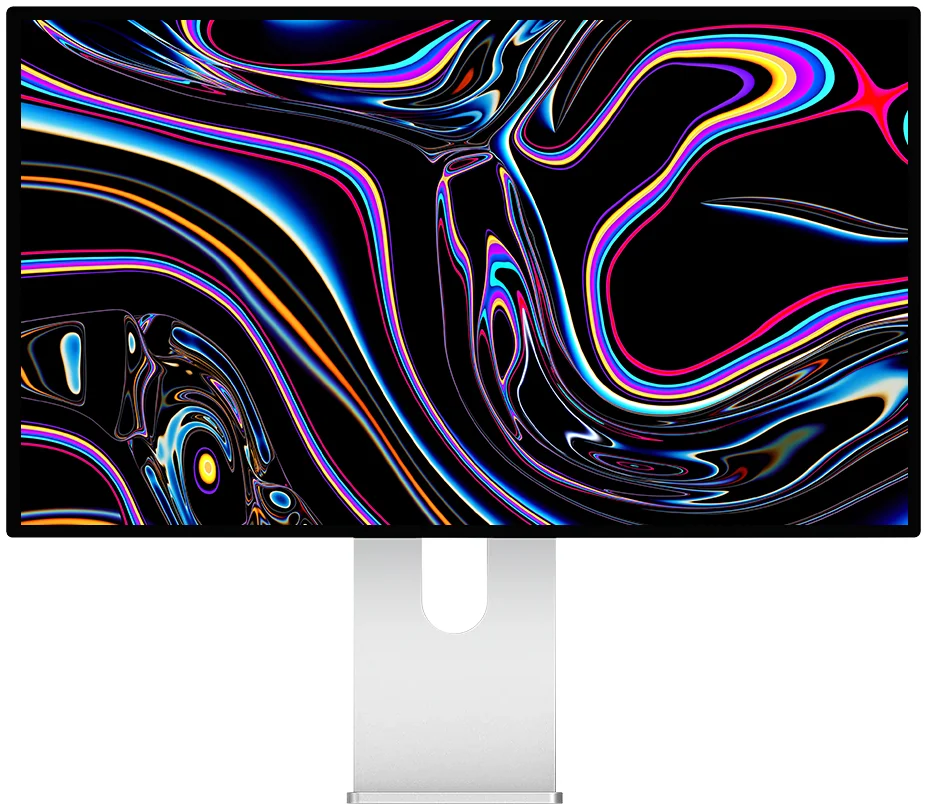
Kuycon G27P
27" · 5K · IPS Black · 75 Hz
From Ft343,900
The G27P has a 2000:1 IPS Black panel, 600 nits and 75 Hz, against 1500:1, 400 nits and 60 Hz on the PA27JCV. The ASUS answers with factory calibration (Delta E below 2), a matte screen, a height-adjustable stand, speakers and a built-in KVM switch.
View the G27PSpec by spec
Kuycon G27P vs ASUS ProArt PA27JCV
Same resolution and pixel density. The differences are contrast, brightness, refresh rate, finish and calibration.
| Kuycon G27P | ASUS ProArt PA27JCVmanufacturer data | |
|---|---|---|
| Resolution | 5120 × 2880 (5K) | 5120 × 2880 (5K) |
| Pixel density | 218 ppi | 218 ppi |
| Contrast | 2000:1 (IPS Black) | 1500:1 typical |
| Brightness | 600 nits | 400 nits (500 peak in HDR) |
| Refresh rate | 75 Hz | 60 Hz |
| Factory calibration | No certificate | Delta E below 2, Calman Verified |
| Colour gamut | 99% DCI-P3 | 99% DCI-P3, 95% Adobe RGB |
| Screen finish | Glossy, anti-reflective | Matte (LuxPixel) |
| USB-C charging | 100 W | 96 W |
| Other inputs | DisplayPort 1.4, HDMI 2.1 | DisplayPort 1.4, HDMI 2.1 |
| KVM switch | No | Yes |
| Speakers | No | 2 × 2 W |
| Stand | Tilt, 90° pivot | Tilt, swivel, pivot, 130 mm height |
ASUS figures are the manufacturer's published specifications in November 2026, shown for comparison only. ASUS prices vary by country: check them before buying. Kuycon prices are shown in your currency.
Where the ASUS wins
The PA27JCV is made for colour-critical work. Each unit is calibrated at the factory to a Delta E below 2 and certified by Calman, it covers 95% of Adobe RGB for print work, and its matte LuxPixel coating handles bright rooms well. Its stand adjusts in height, swivels and pivots, it has speakers, and its KVM switch lets one keyboard and mouse control two computers. If you print photos or need verified colour out of the box, it is the safer choice.
Where Kuycon wins
With the same 5K sharpness, the G27P has the stronger image for everyday use. Its IPS Black panel reaches 2000:1, so blacks look deeper than on a standard IPS panel, it is 50% brighter at 600 nits, and it refreshes at 75 Hz instead of 60 Hz, which makes scrolling and windows smoother. Its glossy screen and aluminium chassis are close to the look of Apple's displays, and its USB-C port charges a MacBook at up to 100 W.
- Choose the ASUS ProArt PA27JCV if you need factory-verified colour, Adobe RGB, a matte screen or a KVM switch.
- Choose the Kuycon G27P if you want deeper contrast, more brightness and 75 Hz on a 5K Retina screen.
More 5K choices
If you also play games, the Kuycon P27Z keeps the same 5K density and goes up to 180 Hz. Our guide to the best 5K monitor for Mac compares all the options.
FAQ
Kuycon G27P vs ASUS ProArt PA27JCV
Are the G27P and the PA27JCV equally sharp on a Mac?
Yes. Both show 5120 × 2880 pixels on 27 inches, which is 218 ppi, the density macOS uses for sharp text with 2x scaling.
Which is better for photo work?
The ASUS ProArt PA27JCV if you need verified colour out of the box: it is factory calibrated to a Delta E below 2 and covers 95% of Adobe RGB. The G27P covers 99% of DCI-P3 with a 2000:1 contrast panel, but has no calibration certificate.
What does the G27P do better than the PA27JCV?
It has more contrast (2000:1 against 1500:1 typical), more brightness (600 nits against 400), a faster refresh rate (75 Hz against 60 Hz) and slightly more USB-C charging power (100 W against 96 W). The ASUS adds a matte screen, speakers, a height-adjustable stand and a KVM switch.
5K Retina with deeper contrast
The Kuycon G27P comes with a 2-year worldwide warranty, delivery and after-sales service in Europe.
View the Kuycon G27PComparison written in November 2026. ASUS specifications come from asus.com at that date and may change.