Uses · Updated in 2026
Streaming and content creation: which monitor on the desk
A content creator never looks at a single screen: there is the game or the edit on one side, the streaming software, the chat and the alerts on the other. The question is therefore not "which monitor" but "which split".
Our selection
Two monitors, two roles
One monitor for the action, one monitor for the control room: that is the setup that works.
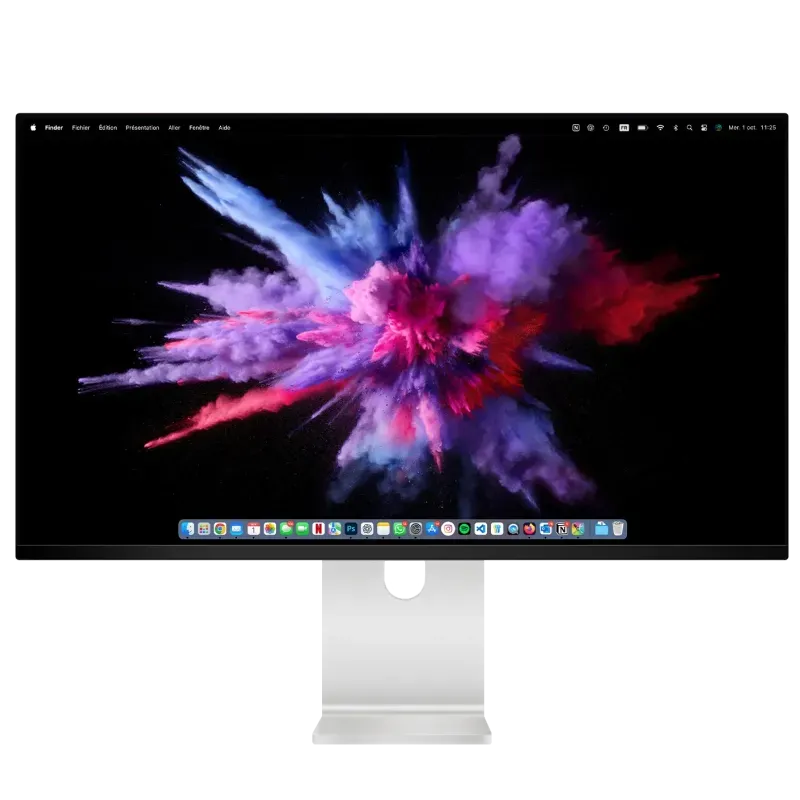
Kuycon Q32S
32" · QD-OLED · 4K 240 Hz
From $US1,489.00 incl. VAT
- Resolution3840 × 2160
- Refresh rate240 Hz
- Contrast1 500 000:1
- Colours99 % DCI-P3
- Peakup to 1000 nits
- Supplied withremote control
Why we recommend it: this is the screen you look at and the one your audience will see through your captures. QD-OLED contrast makes dark scenes genuinely readable both on screen and in the encode.
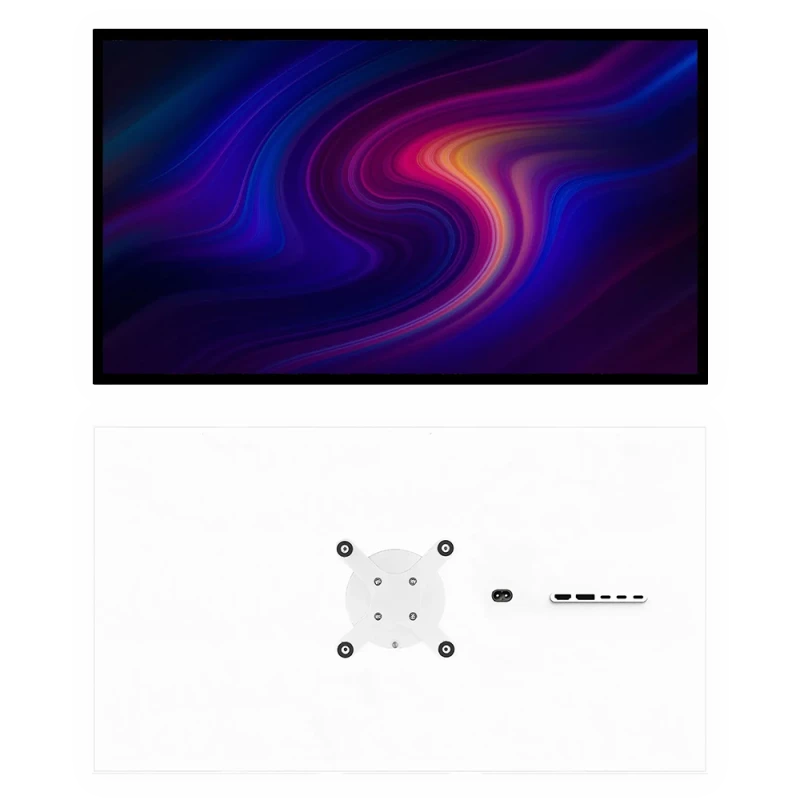
Kuycon P32K
32" · 4K · legible at 100%
From $US899.00 incl. VAT
- Space3840 × 2160
- Density139 ppi
- Refresh rate144 Hz
- HDMI2.1
- Portraitpossible
- Price< 700 €
Why we recommend it: 3840 × 2160 points legible with no scaling means the streaming software, the chat, the alerts and the playlist displayed together. Rotated into portrait, it becomes an ideal chat wall.
Split rather than stack
The classic mistake is to buy two identical high-end monitors. Yet the two positions do not have the same needs: the action monitor calls for refresh rate and contrast, the control-room monitor calls for legible surface and nothing else. Putting the budget where it has an effect means a 4K at 139 ppi in the control room and a QD-OLED in front of you.
Portrait mode for the chat
A monitor rotated 90 degrees shows a very tall column of messages: it is the natural format of a discussion thread, and it frees up the main monitor. Kuycon stands provide the rotation as standard; remember to adjust the orientation in the display settings.
What your audience actually sees
A point often forgotten: your stream is encoded, compressed, then displayed on your viewers' screens. High contrast and wide DCI-P3 coverage are not transmitted in full — but they let you judge correctly what you are producing, particularly in dark scenes where compression does the most damage.
The camera and the sound
The monitors in the range include no camera and no speakers, which is no handicap here: a content creator uses a dedicated camera and a microphone on a stand anyway. A 3.5 mm headphone output is present on the monitors for audio monitoring.
FAQ
Streaming: frequently asked questions
Do you need two monitors to stream?
It is the most comfortable setup: one monitor for the game or the edit, a second for the streaming software, the chat and the alerts. The two do not have the same needs, which lets you split the budget intelligently.
Which main monitor for a streamer?
A high-refresh 4K: the Q32S in 240 Hz QD-OLED for image quality, or the P32T in 4K at 160 Hz with two HDMI 2.1 if you also connect consoles.
Is portrait mode useful?
Yes for the chat: a tall column matches exactly the format of a message thread, and it frees up the main monitor. Kuycon stands provide 90-degree rotation.
Does a QD-OLED monitor risk burn-in with a static interface?
The risk concerns strictly static images displayed for hours on end. For mixed gaming and video use it is low; rather reserve IPS for the control-room monitor, which displays static interfaces.
Is there a built-in camera?
No, and that is not a problem for this use: a creator uses a dedicated camera and an external microphone. A 3.5 mm headphone output is present for audio monitoring.
One monitor for the action, one for the control room
From 240 Hz QD-OLED to 4K legible at 100%. 2-year warranty in the European Union.
See all Kuycon monitorsGuide written in August 2026. The specifications are those published by the manufacturer; check the product page before buying.