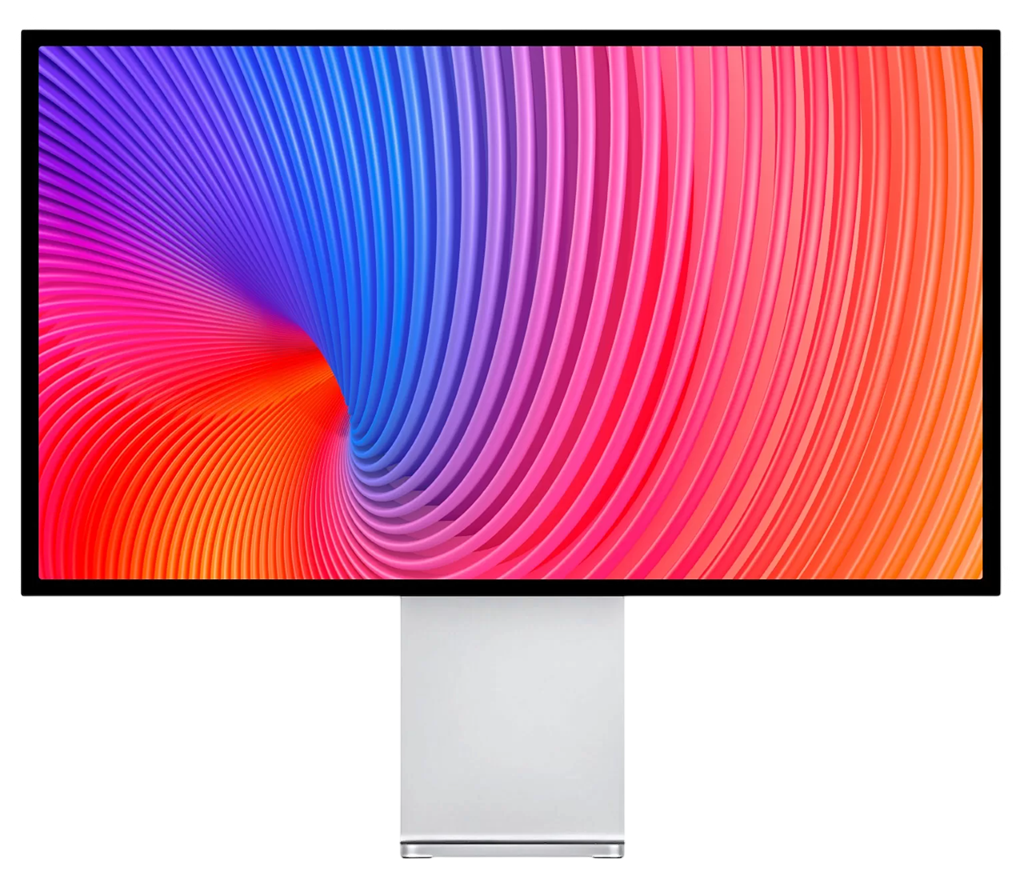
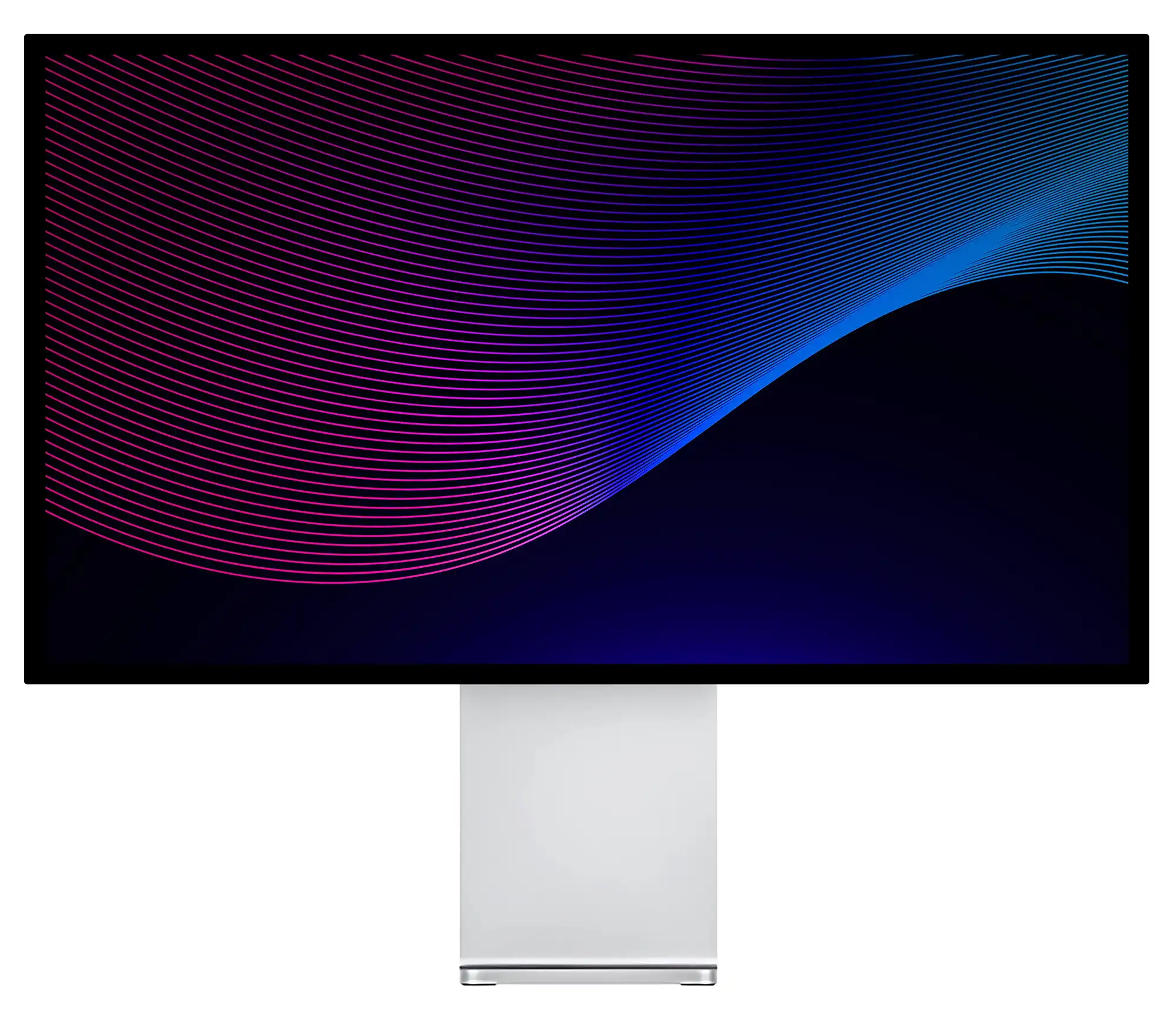
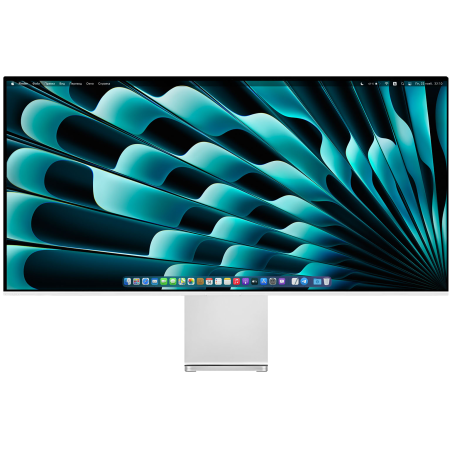
27-inch brilliant 4K screen. Brightness up to 500 nit. Exceptional contrast of 1200:1 and ultra-wide angle of vision. More than a billion colors, reproduced with extreme precision. Discover the Kuycon P27U, a professional display for Mac, Windows and Linux.
Kuycon P27U
27-inch brilliant 4K screen. Brightness up to 500 nit. Exceptional contrast of 1200:1 and ultra-wide angle of vision. More than a billion colors, reproduced with extreme precision. Discover the Kuycon P27U, a professional display for Mac, Windows and Linux.
One screen to govern them all
macOS
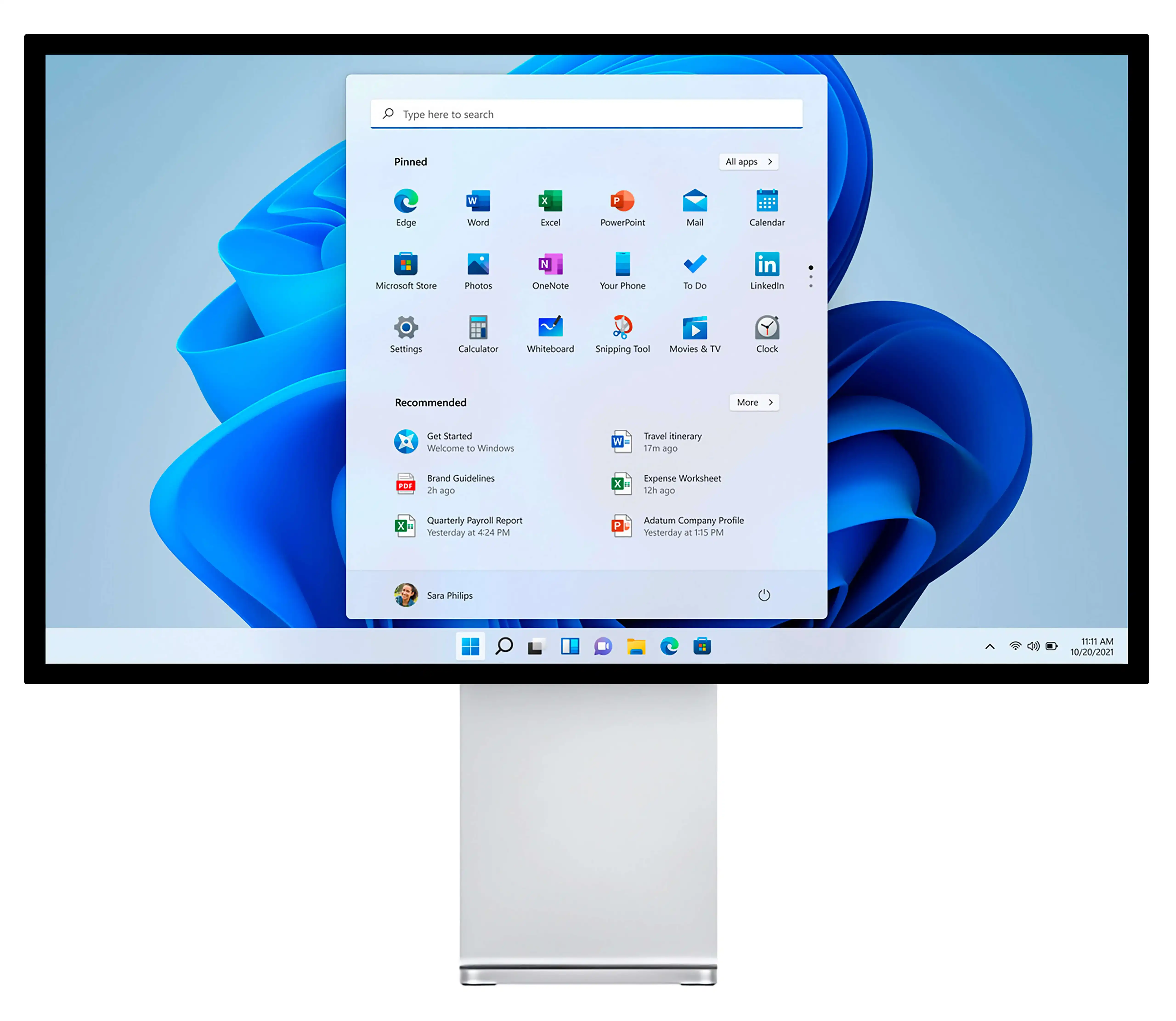
Windows
Linux
Thanks to a variety of connections, including USB-C, HDMI and DisplayPort, the P27U is compatible with all major operating systems and gaming platforms: PlayStation, Xbox and Nintendo Switch. Just plug the cable and enjoy it.
One screen to govern them all
macOS
Windows
Linux
Thanks to a variety of connections, including USB-C, HDMI and DisplayPort, the P27U is compatible with all major operating systems and gaming platforms: PlayStation, Xbox and Nintendo Switch. Just plug the cable and enjoy it.
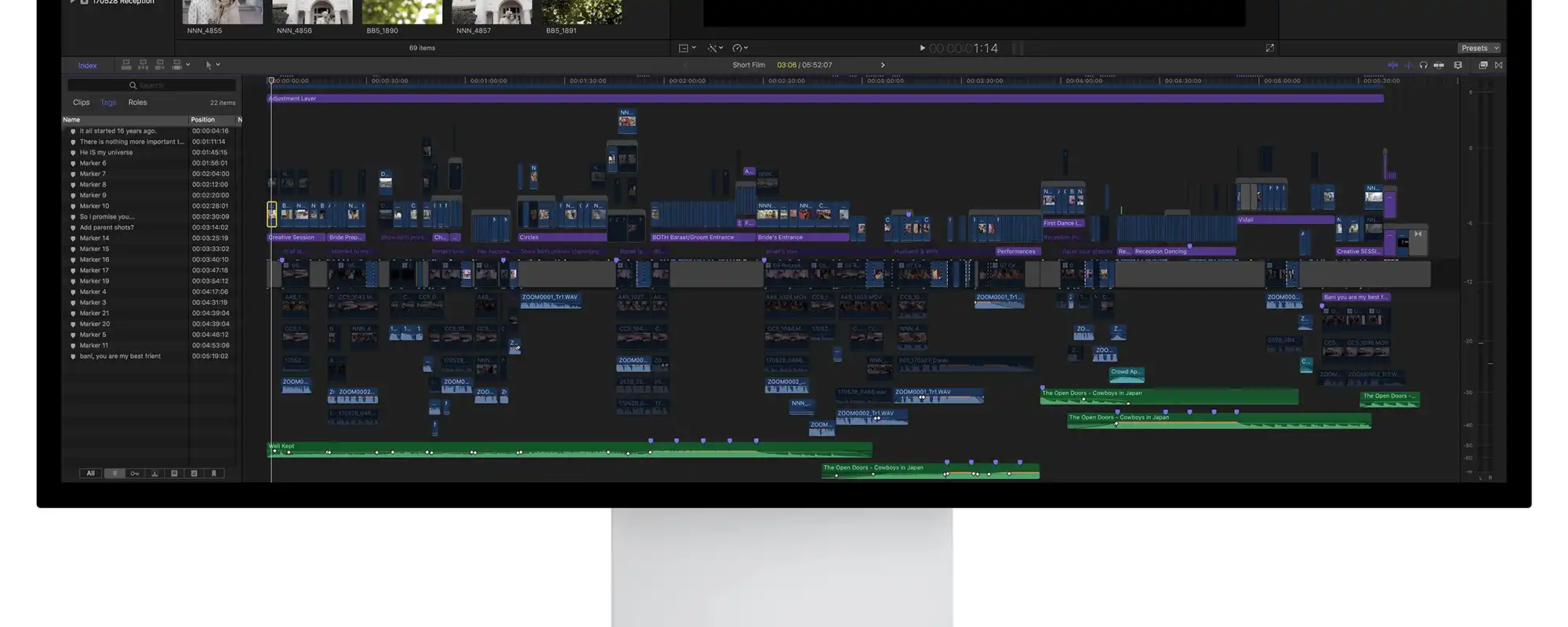
The high pixel density offers optimal display for demanding applications. More information about a single workspace, while maintaining the finest details.
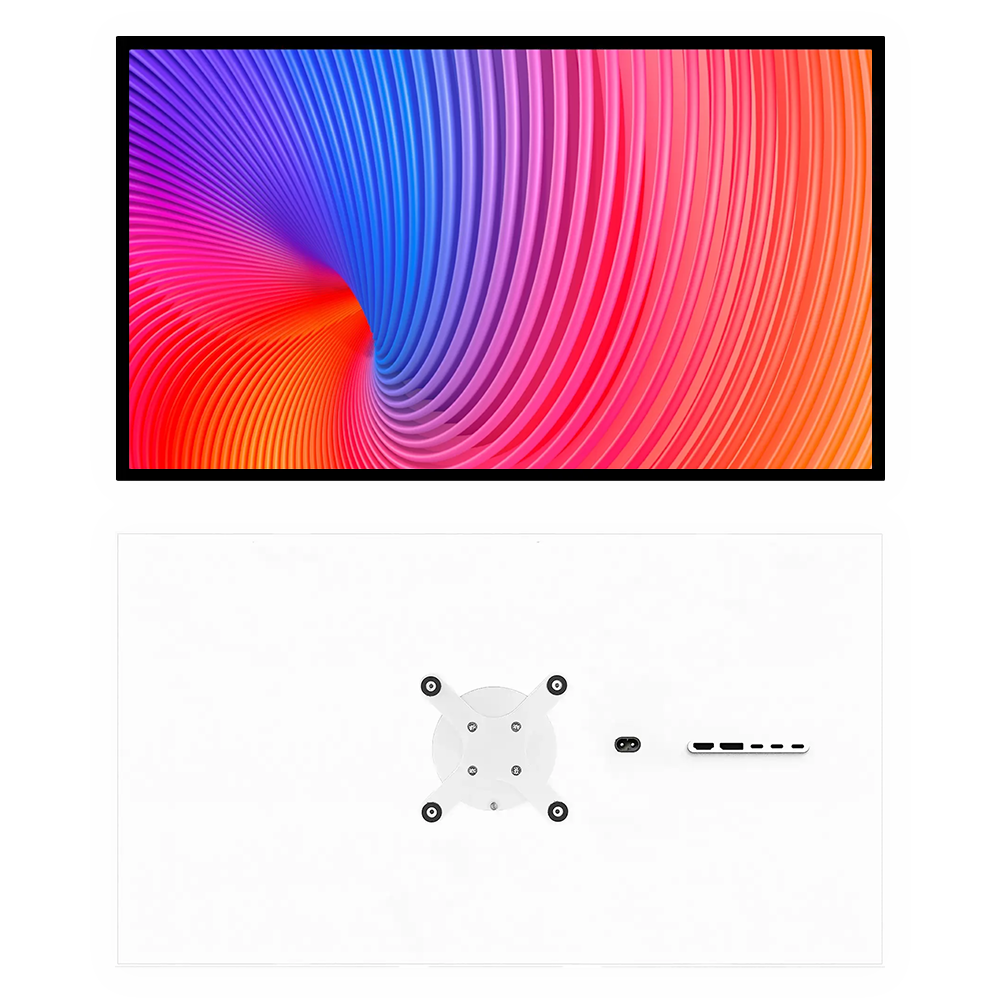
The P27U screen holder allows you not only to safely install the screen and adjust its angle of inclination, but also to rotate it to 90 degrees. If you are looking for a more flexible solution, the kit includes a VESA adapter to install the screen on a foot or wall.
The high pixel density offers optimal display for demanding applications. More information about a single workspace, while maintaining the finest details.
The P27U screen holder allows you not only to safely install the screen and adjust its angle of inclination, but also to rotate it to 90 degrees. If you are looking for a more flexible solution, the kit includes a VESA adapter to install the screen on a foot or wall.
Your projects will become brighter.
The typical brightness of most desktop screens is about 300 nit. The P27U offers a constant brightness of up to 700 nit over the entire screen surface, allowing you to achieve maximum brightness without any variation in brightness.
500 nits
supported brightness
1200:1
contrast
Your projects will become brighter.
The typical brightness of most desktop screens is about 300 nit. The P27U offers a constant brightness of up to 700 nit over the entire screen surface, allowing you to achieve maximum brightness without any variation in brightness.
500 nits
supported brightness
1200:1
contrast
A color that makes a statement.
The P27U displays the authentic colours of your work. The wide range of P3 colours offers a palette capable of creating brilliant images. With more than a billion colors, your work is presented with exceptional detail and absolute precision. Advanced calibration technology and complex color algorithm ensure optimum chromatic accuracy.
DCI-P3 92%, sRGB 99%
wide range of colours
HDR 600
High dynamic range
A color that makes a statement.
The P27U displays the authentic colours of your work. The wide range of P3 colours offers a palette capable of creating brilliant images. With more than a billion colors, your work is presented with exceptional detail and absolute precision. Advanced calibration technology and complex color algorithm ensure optimum chromatic accuracy.
High Dynamic Range (HDR) Luminosité : 700 nits Rapport de contraste : 1200:1 Couleur : large gamme de couleurs P3, 1 milliard de couleurs
Écran rétroéclairé par LED 4K de 27 pouces avec technologie IPS Résolution : 3840 × 2160 pixels (8,3 millions de pixels), 163 pixels par pouce Format d'image : 16:9 Taux de rafraîchissement : 60 Hz
Dimensions et poids
Hauteur : 51,8 cm avec support, écran 35,9 cm Largeur : 61,8 cm Profondeur : 18,3 cm avec support, écran 2,76 cm Poids : 8 kg avec support, écran 5,5 kg
Connectivité
USB‑C, DisplayPort 1.4, HDMI 2.0, deux ports USB‑C et sortie audio 3,5 mm Un port USB-C en amont fournit une charge PowerDelivery jusqu'à 100 watts Prend en charge la 4K (3840 × 2160) pour USB-C, DisplayPort et HDMI pour les appareils compatibles
Contenu de la boite
Moniteur Adaptateur VESA 100×100 Télécommande Cordon d'alimentation (1,5 m) Câble USB-C (1 m) Câble DisplayPort (1,8 m) Câble HDMI (1,5 m) Adaptateur USB-C vers USB-A x 2 Clé USB avec documentation
Exigences en matière d'alimentation et de fonctionnement
Tension de ligne : 100 V à 240 V CA Fréquence : 50 Hz à 60 Hz, monophasé Puissance : 60 W (max 170 W avec charge PowerDelivery)
Compatibilité Apple
D'autres modèles Intel fonctionneront à une résolution et/ou un taux de rafraîchissement inférieurs Les ordinateurs portables et PC
Intel MacBook : 2015* et versions ultérieures Intel iMac : fin 2014* et versions ultérieures Intel Mac Pro : 2013* et versions ultérieures *peut nécessiter des adaptateurs pour les anciens modèles avec Thunderbolt 2
Mac avec Apple Silicon : M1, M1 Pro, M1 Max, M1 Ultra, M2 ou version ultérieure iPad Pro : tous les modèles
Compatibilité Windows
AMD APU Ryzen avec carte graphique Vega intégrée et versions ultérieures HD6000, HD7000, R9 200, R9 300, R9 400, R9 500, R9 Fury, R9 Nano (GCN) RX460-RX590 (Polaris)
Cartes vidéo prises en charge : Intel Graphics Cartes graphiques intégrées : Processeurs Intel Iris Pro de 4e génération (Haswell) et versions ultérieures Processeurs Intel HD Graphics de 5e génération (Broadwell) et versions ultérieures
GeForce GTX 1650-2080Ti (Turing)* GeForce GTX 1650-3080Ti (Ampere)* *Les GPU avec USB-C VRlink peuvent être connectés avec un câble USB-C
Nvidia GeForce GTX 660-690 (Kepler) (DisplayPort) GeForce GTX 750-Titan Z (Kepler) (DisplayPort) GeForce GTX 950-980Ti (Maxwell) GeForce GTX 1050-1080Ti (Pascal)
Radeon Vega 56/64, Radeon VII et supérieur (Vega) RX5500-RX6950XT (RNDA/RNDA2)* *Les GPU RNDA2 avec USB-C peuvent être connectés avec un câble USB-C
nécessitent Thunderbolt 3/4/USB4, Displayport 1.2 et/ou HDMI 2.0 et versions ultérieures et un adaptateur vidéo pris en charge.
Compatibilité Consoles
Les consoles PlayStation, Xbox et Nintendo sont prises en charge via HDMI (max 4K@60)