

Customer reviews
Own a P40K?
Your review will help future buyers choose their ultrawide monitor.
Reviews are published after verification, with the text left unedited.
Write a review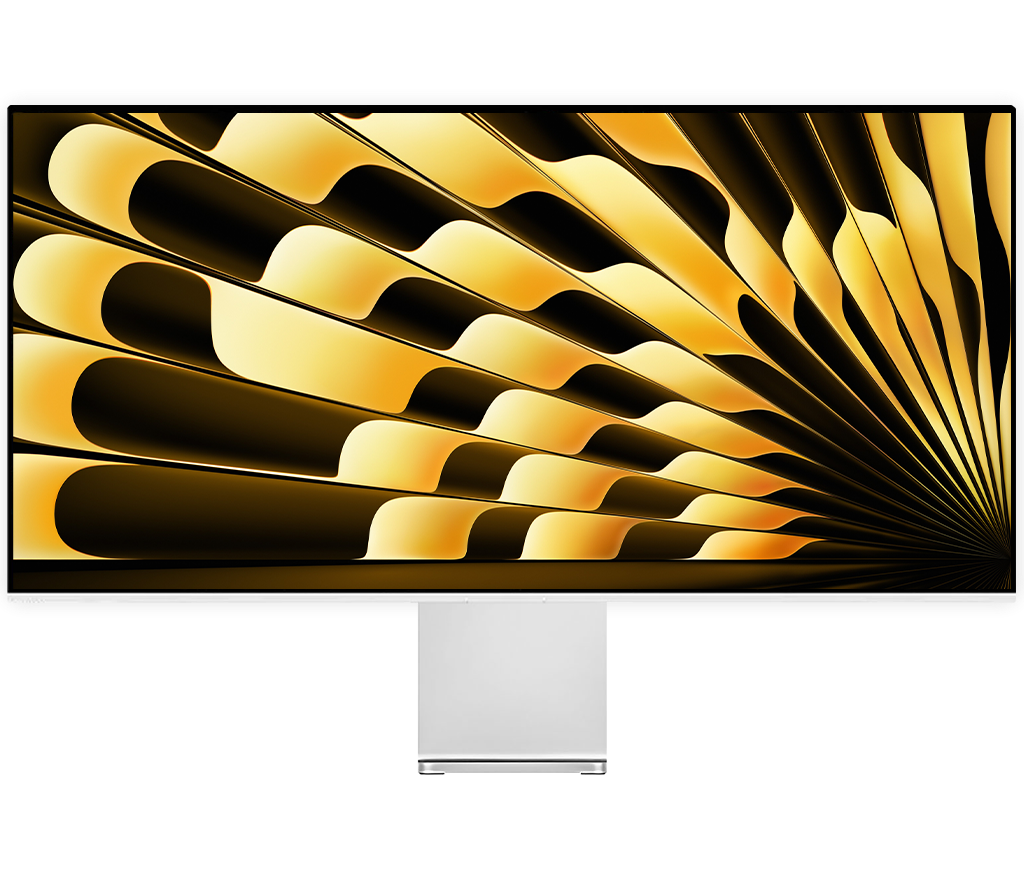
40 inches of 5K. Up to 120 Hz.
From zł5,539.90
Plain back, monitor only.

At a glance
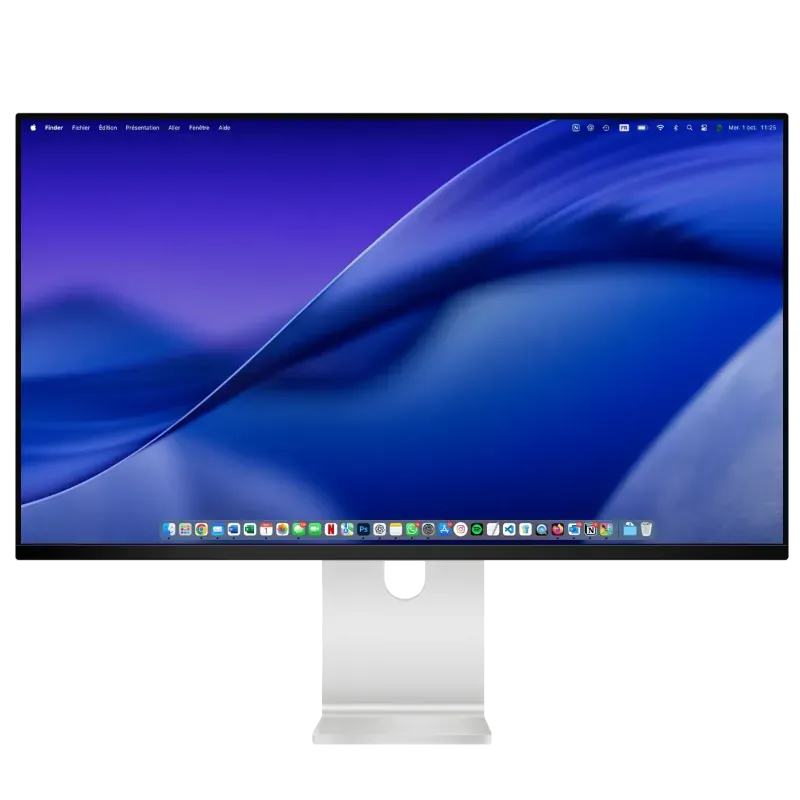
The Kuycon P40K is a 40-inch ultrawide monitor with a 21:9 aspect ratio, in 5K (5120 × 2160, 139 ppi), that goes up to 120 Hz. Its matte anti-glare Nano IPS Black panel delivers 400 nits across the whole screen, a 1300:1 contrast ratio and 10-bit color. A single USB-C cable carries video, data and up to 100 W of charging. Aluminum chassis, plain or perforated back: for Apple Silicon Macs, PCs and consoles.


5K and 21:9
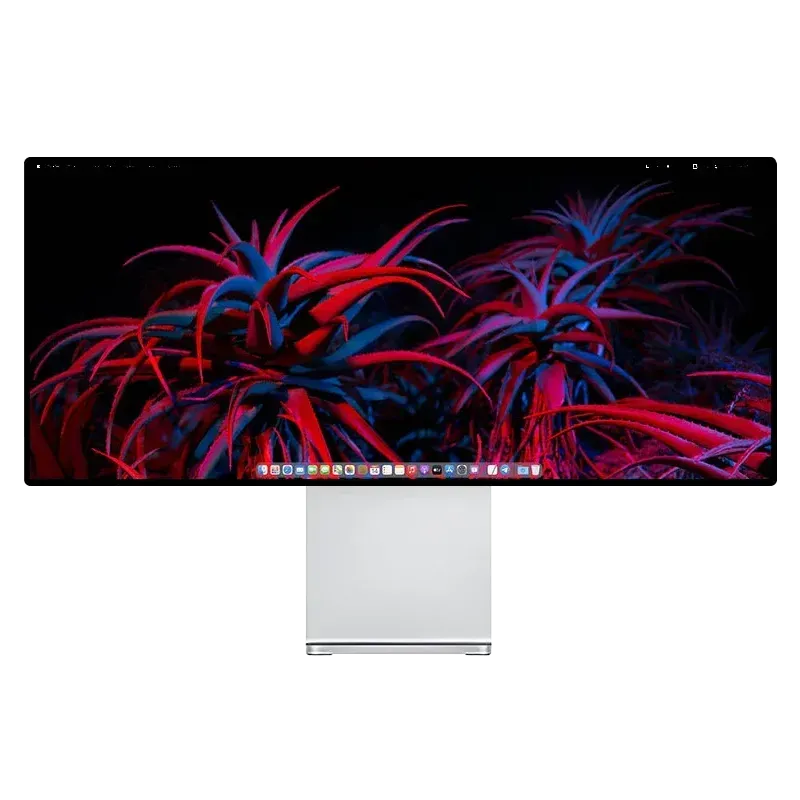
The Kuycon P40K displays 5120 × 2160 pixels on 40 inches: the width of a 5K display and the height of a 4K display, or 11 million pixels, a third more than a 4K display. Its panel is 94 cm wide: a video editing timeline, a music score, a spreadsheet or two documents side by side fit without switching windows.
On a Mac, text and interface size are set in System Settings, Displays. At 139 ppi, the P40K does not reach the density of 27-inch 5K displays (218 ppi): it trades sharpness for much more space, and is best viewed from a little farther away.

Nano IPS Black panel
The P40K's Nano IPS Black panel reaches a 1300:1 contrast ratio, 30% more than a typical IPS panel (1000:1), with 400 nits sustained across the whole surface. Its matte anti-glare coating, with 3H hardness, diffuses light from a window or a lamp instead of reflecting it.
Good to know: HDR is automatic by default and can be turned off in the monitor's menu. On a Mac, the "High Dynamic Range" option in Displays settings appears depending on the Mac model.

Color
The P40K displays 10-bit color, or 1.07 billion shades. It covers 99% of sRGB, the web standard, and 98% of DCI-P3, the digital cinema gamut with the same primaries as the Display P3 of Macs, with a ΔE below 2.
Tip: the first time you connect it, choose the monitor's color profile in System Settings, Displays, or adjust it with a colorimeter or an app like BetterDisplay.

Connectivity
On the P40K's USB-C port, a single cable carries the 5K picture at 120 Hz, charges the MacBook at up to 100 W and connects the monitor's two USB-C ports. For a PC or a console: one DisplayPort 1.4 and two HDMI 2.1, all in 5K at 120 Hz.

DisplayPort Alt Mode up to 5K 120 Hz HDR depending on the computer, USB data and USB Power Delivery charging up to 100 W. Connects to Thunderbolt 3, 4 and USB4 ports.
HBR3 with DSC. 5K at 120 Hz HDR with a compatible graphics card.
5K at 120 Hz HDR on a PC; a PS5 or an Xbox at 4K 60 Hz HDR.
USB 2.0 (480 Mbps), 5 V 2.1 A: keyboard, mouse, USB drive.
Audio output for headphones or speakers.
A single power cord, no external power brick. EU, UK, US, AU or CN plug, your choice.
The monitor's USB-C port connects to the Thunderbolt 3, 4 or 5 and USB4 ports of Macs and PCs. For 5K at 120 Hz, use the included cable (USB 3.2 Gen 2, 20 Gbps) or a USB4 cable; for 100 W charging, a 5 A USB-C cable with an e-marker chip. On a PC, 5K at 120 Hz requires a DisplayPort 1.4, HDMI 2.1 or USB-C output: NVIDIA GeForce GTX 1650 and newer, AMD Radeon RX 5500 and newer, 12th-generation Intel integrated graphics.
Mac compatibility
Every Apple Silicon Mac, from the M1 chip to the M5 chip, displays the P40K in 5K over a single USB-C cable, with 100 W charging. It goes up to 120 Hz on Macs with M4 and later, as it does on M2 Pro, M2 Max, M2 Ultra, M3 Pro, M3 Max and M3 Ultra; it stays at 60 Hz on M1 (all versions), M2 and M3.
| Chip | 5K refresh rate |
|---|---|
| M4, M4 Pro, M4 Max and later including M5 and M5 Ultra | 5K 120 Hz a single USB-C cable |
| M5 Pro, M5 Max* | 5K 120 Hz* |
| M2 Pro, M2 Max, M2 Ultra, M3 Pro, M3 Max, M3 Ultra | 5K 120 Hz a single USB-C cable |
| M3 | 5K 60 Hz |
| M2 | 5K 60 Hz |
| M1, M1 Pro, M1 Max, M1 Ultra | 5K 60 Hz |
| iPad Pro M1 chip or later | 5K 60 Hz USB-C |
| MacBook Neo A18 Pro chip | 4K 60 Hz max no 5K |
Maximum refresh rate of the P40K in 5K by chip, with a single external display connected. Apple guarantees a 5120 × 2880 display up to 120 Hz from M4 chips onward, and 60 Hz before; the P40K's 5K has fewer pixels.
Design
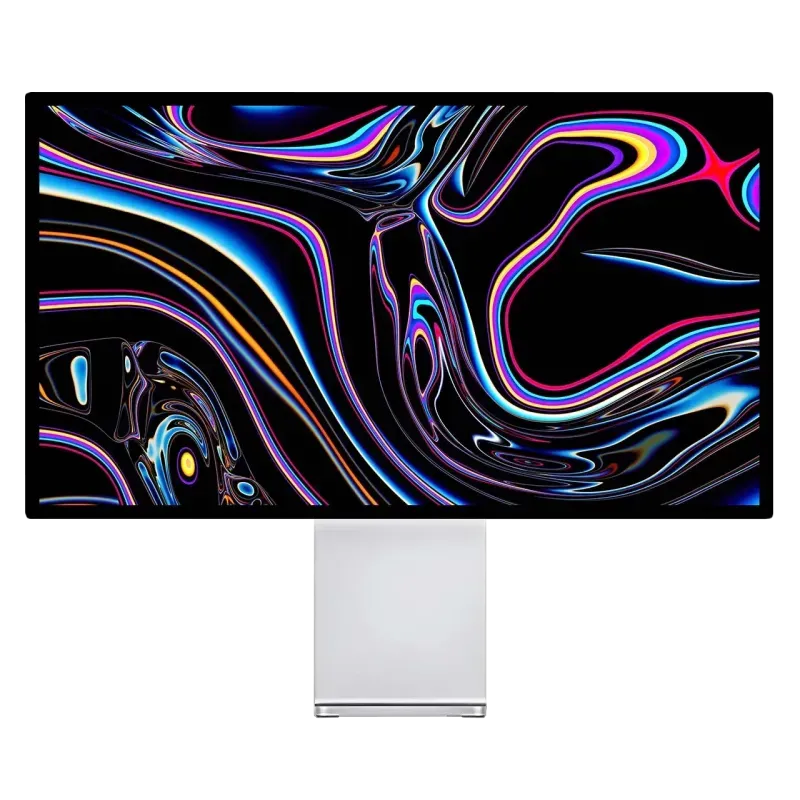
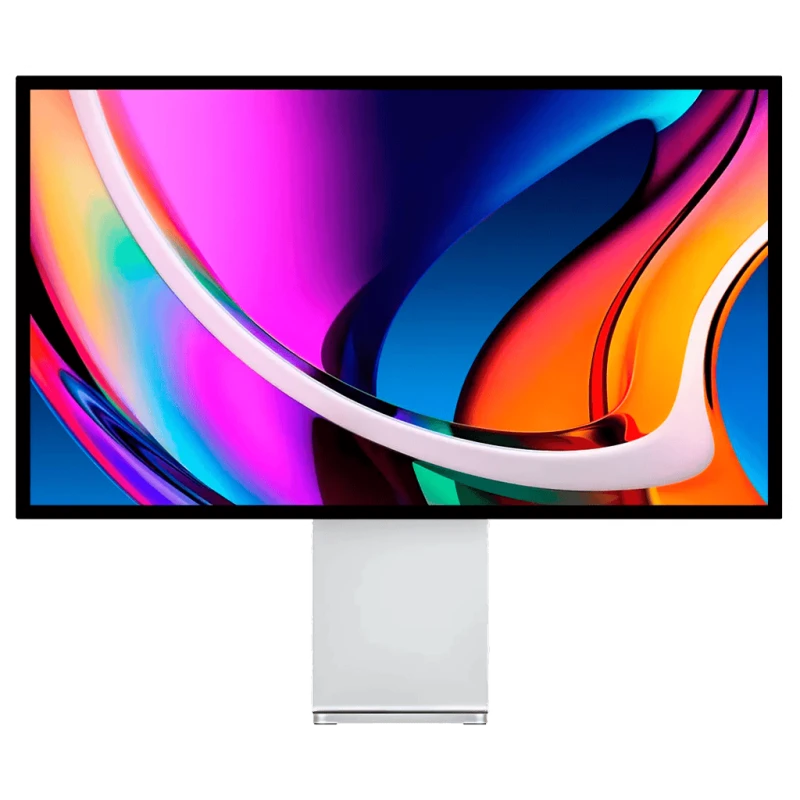
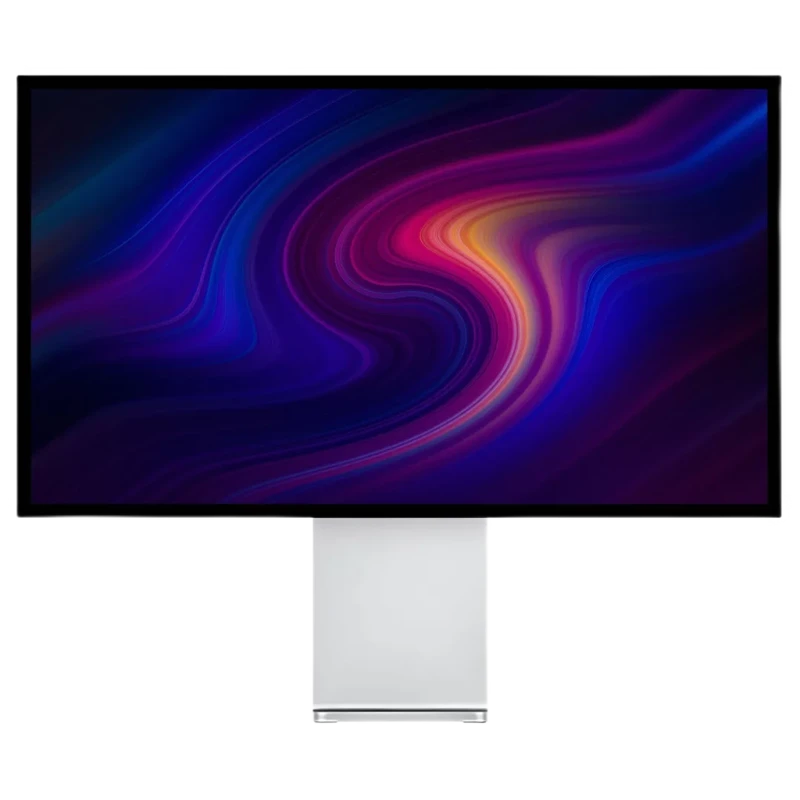
The P40K's chassis is machined from aluminum alloy, sandblasted then anodized; the front is glass, with thin bezels on three sides. You choose the back when you buy: plain, in solid aluminum, or perforated with two wide honeycomb-pattern strips.
Drag to switch from the plain back, in solid aluminum, to the perforated back.


Mounting
The P40K mounts to a 100 × 100 VESA pattern on a monitor arm or a wall mount. The Kuycon 40-inch stand, fixed or adjustable, is chosen at purchase, and the VESA mount is still included even with a stand.
Monitor arm or wall mount.
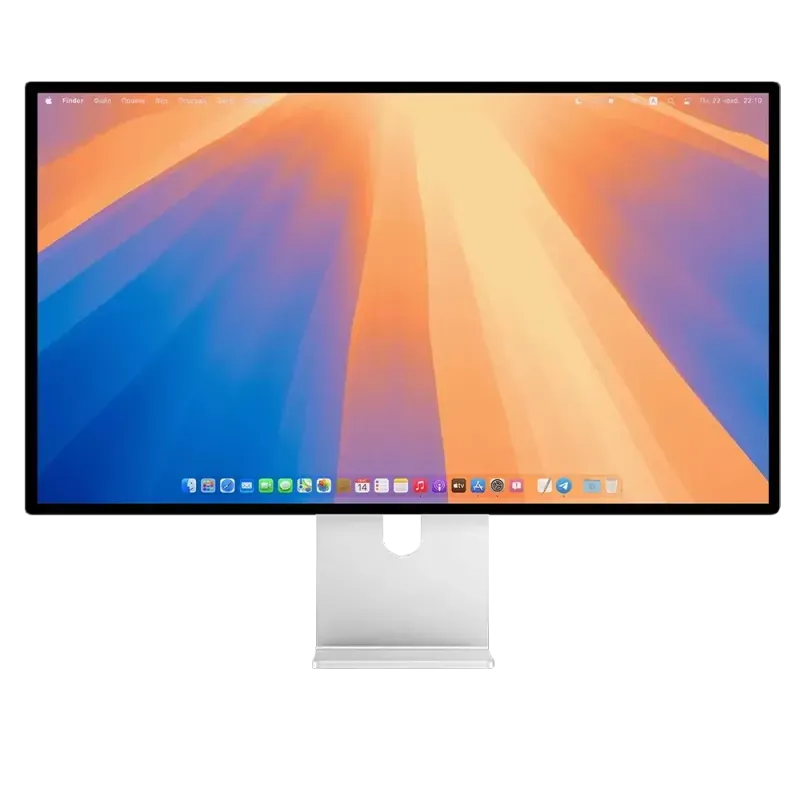
Fixed-height aluminum stand.
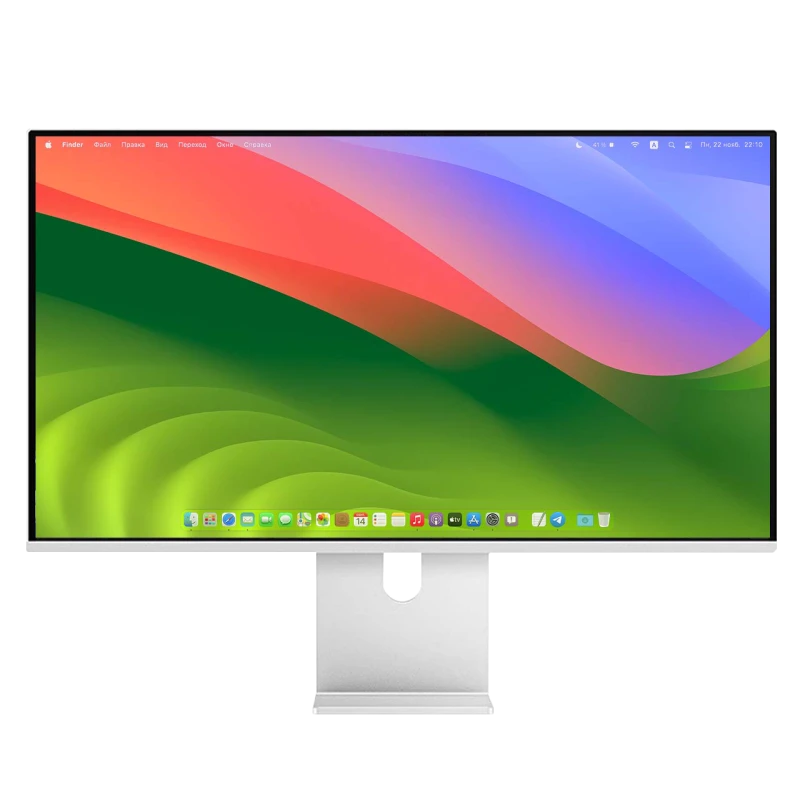
Height, tilt, swivel and rotation to portrait mode.
Choose the mount in the P40K bundle · Monitor arms and VESA mounts

Control from your computer
The P40K supports the DDC/CI protocol: you can adjust brightness from your computer, with the keyboard keys or the menu bar, without using the remote.
The monitor's menu opens with the included remote: directional pad and OK button, back, menu and power. Batteries not included: 1 CR2025 battery for the white remote, 2 LR03 (AAA) batteries for the black one.
Comparison
The Kuycon P40K has as many pixels in width as Apple's Studio Display, 5120, on a 40-inch matte panel that goes up to 120 Hz, while the Studio Display stays at 60 Hz. The smaller W34KB is faster and goes further on contrast; the P40K offers the largest panel and a matte surface.
| Kuycon P40K | Apple Studio Display | Kuycon W34KB | |
|---|---|---|---|
| Size | 40 inches, 21:9 | 27 inches, 16:9 | 34 inches, 21:9 |
| Resolution | 5120 × 2160 | 5120 × 2880 | 5120 × 2160 |
| Density | 139 ppi | 218 ppi | 163 ppi |
| Screen width | 942 mm | 623 mm | 820 mm |
| Refresh rate | Up to 120 Hz 120 Hz on Macs with M2 Pro and later | 60 Hz | Up to 180 Hz in 5K, 360 Hz at 2560 × 1080 165 Hz on Macs with M2 Pro and later |
| Panel | Nano IPS Black | Not published | Fast HVA |
| SDR brightness | 400 nits | 600 nits | 450 nits |
| Contrast | 1300:1 | Not published | 3300:1 |
| HDR | HDR10 | Not stated | HDR600, HDR10 |
| Color | 10-bit, 99% sRGB, 98% DCI-P3 | 1 billion colors, P3 | 10-bit, 99% sRGB, 98% DCI-P3 |
| Surface | Matte anti-glare | Glossy glass, optional nano-texture | Glossy glass |
| Connectivity | USB-C 100 W, DisplayPort 1.4, 2 × HDMI 2.1, 2 × USB-C, audio jack | 2 × Thunderbolt 5 (96 W), 2 × USB-C | USB-C 100 W, DisplayPort 1.4, 2 × HDMI 2.1, 2 × USB-C, audio jack |
| Built-in camera | No | 12 MP | No |
| Weight without stand | 7.15 kg | 5.40 kg | 6.55 kg |
| Price | zł5,539.90 plain back, monitor only, excluding shipping and import fees (no taxes charged) | from €1,699 Apple France price, tax-inclusivebefore sales tax | zł4,849.90 plain back, monitor only |
Apple prices: public price on the Apple website of the country shown, with local taxes, except in the United States and Canada, where Apple lists its prices before sales tax. Kuycon does not charge any taxes: shipping is added; with DDP, import fees are paid in advance along with it; with DAP, VAT and duties are paid on delivery.
Customer reviews
Your review will help future buyers choose their ultrawide monitor.
Reviews are published after verification, with the text left unedited.
Write a reviewCompare all Kuycon monitors · Other ultrawides: W34KB · Q34W · In 5K, 27 inches: P27Z

40 inches · 5K · up to 120 Hz · matte panel
From zł5,539.90
Sold by Reboot Global Corporation Limited, an authorized Kuycon reseller.
| Size | 40 inches, 21:9 aspect ratio |
|---|---|
| Resolution | 5120 × 2160 pixels (5K), 11 million pixels |
| Pixel density | 139 ppi (139 pixels per inch) |
| Panel type | Nano IPS Black, LED backlight |
| Refresh rate | Up to 120 Hz in 5K, over USB-C, DisplayPort and HDMI, depending on the computer |
| Response time | 8 ms (GtG) |
| Brightness | 400 cd/m² (nits), full screen |
| Contrast | 1300:1 |
| HDR | HDR10 over HDMI, DisplayPort and USB-C, automatic, can be turned off |
| Surface | Matte anti-glare, 3H hardness |
| Eye comfort | Hardware blue light reduction |
| Color depth | 10-bit, 1.07 billion colors |
|---|---|
| Gamut | 99% sRGB, 98% DCI-P3 |
| Accuracy | ΔE < 2 |
| USB-C upstream | DisplayPort Alt Mode, up to 5K 120 Hz HDR depending on the computer, USB data, USB Power Delivery charging up to 100 W (20 V 5 A with a 5 A e-marker cable); connects to Thunderbolt 3, 4 and USB4 ports |
|---|---|
| DisplayPort | 1 × DisplayPort 1.4 (HBR3), DSC, 5K 120 Hz HDR |
| HDMI | 2 × HDMI 2.1, 5K 120 Hz HDR |
| USB-C downstream | 2 × USB-C, USB 2.0 (480 Mbps), 5 V 2.1 A |
| Audio | 3.5 mm headphone jack output |
| Controls | DDC/CI, remote included |
| Apple Silicon Mac (M-series chip) | 5K 120 Hz on Macs with M4 and later and on M2 Pro, M2 Max, M2 Ultra, M3 Pro, M3 Max and M3 Ultra; 5K 60 Hz on M1 (all versions), M2 and M3. Details by chip |
|---|---|
| MacBook Pro with M5 Pro and M5 Max | macOS bug: may drop to 60 Hz over USB-C when set above 60 Hz; the Mac's HDMI port works around it. Details |
| iPad Pro | 5K 60 Hz, M1 chip or later |
| MacBook Neo | One external display up to 4K 60 Hz (Apple) |
| Intel Mac | Integrated Intel graphics, 2020 and later (10th-generation Intel Core): 5K over Thunderbolt 3. Macs with an AMD graphics card: not supported. |
| PC | 5K up to 120 Hz over DisplayPort 1.4, HDMI 2.1 or USB-C |
| PC graphics cards | Compatible in 5K: NVIDIA GeForce GTX 1650 to RTX 2080 Ti, RTX 30 and RTX 40; AMD Radeon RX 5500 to RX 6900 XT, Vega 56 and Vega Nano; 10th and 11th-generation Intel integrated graphics over Thunderbolt 3, 12th generation (UHD 730, 750, 770) in 5K 120 Hz. Not supported: NVIDIA Maxwell and Pascal, AMD Polaris. |
| Consoles | PS5, PS4 Pro and Xbox in 4K 60 Hz HDR over HDMI; Nintendo Switch |
| Operating systems | macOS, Windows (HDR: Windows 10 version 1803 or later), Linux |
| Power supply | Built in, one power cord, 100 to 240 V, 50/60 Hz |
|---|---|
| Power consumption | 55 W in typical use, 165 W at most (USB-C charging included) |
| Monitor without stand | 942 × 409 × 23.5 mm (W × H × D) |
|---|---|
| Weight (monitor only) | 7.15 kg |
| Chassis | CNC-machined aluminum alloy, sandblasted and anodized; glass front; plain or perforated back |
| Mounting | VESA 100 × 100 mm; fixed stand or adjustable stand, your choice at purchase |
Mount (VESA, fixed stand or adjustable stand) chosen at purchase.
| Warranty | 2 years worldwide |
|---|---|
| Returns | 14 days after delivery |
| Model number | P40K |
| EAN | 3701655965863 |
Do you have a Telegram account?
Yes, open Telegram The conversation continues in your app