
Buying guide · Updated in 2026
Photo editing and video editing: which monitor to choose
To work on images, three numbers really count: DCI-P3 coverage, colour depth, and the panel's real contrast. The rest is marketing. Here is how to read a spec sheet, and which Kuycon monitors stand up against the industry benchmarks.
Our selection
Three monitors for working on images
Photo, video, design: the requirements are not exactly the same, and neither is the right monitor.
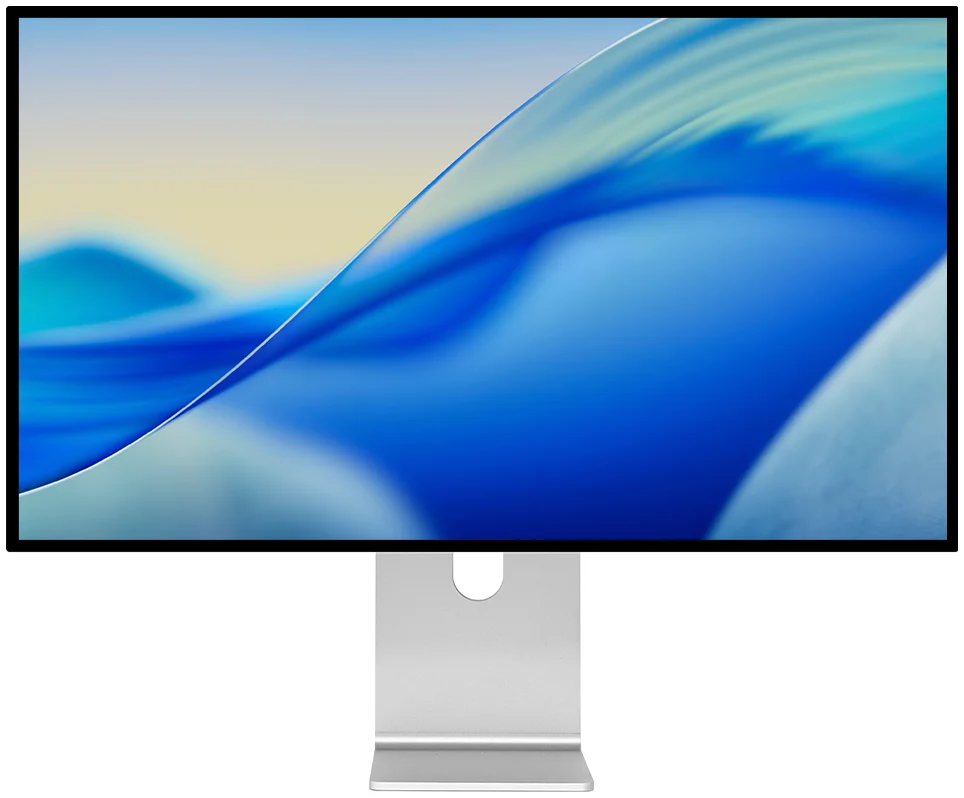
Kuycon G32P
32" · 6K · Nano IPS Black
From $US1,549.00 incl. VAT
- Resolution6144 × 3456
- Density223 ppi
- Colours99 % DCI-P3
- Depth10-bit
- Contrast2000:1
- Brightness500 nits sustained
Why we recommend it: 6144 × 3456 on 32 inches means an image at full resolution with all the palettes around it, or a 4K timeline shown at 100% without folding anything away. The Nano IPS Black panel reaches 2000:1, twice a conventional IPS panel: shadows stop being grey.
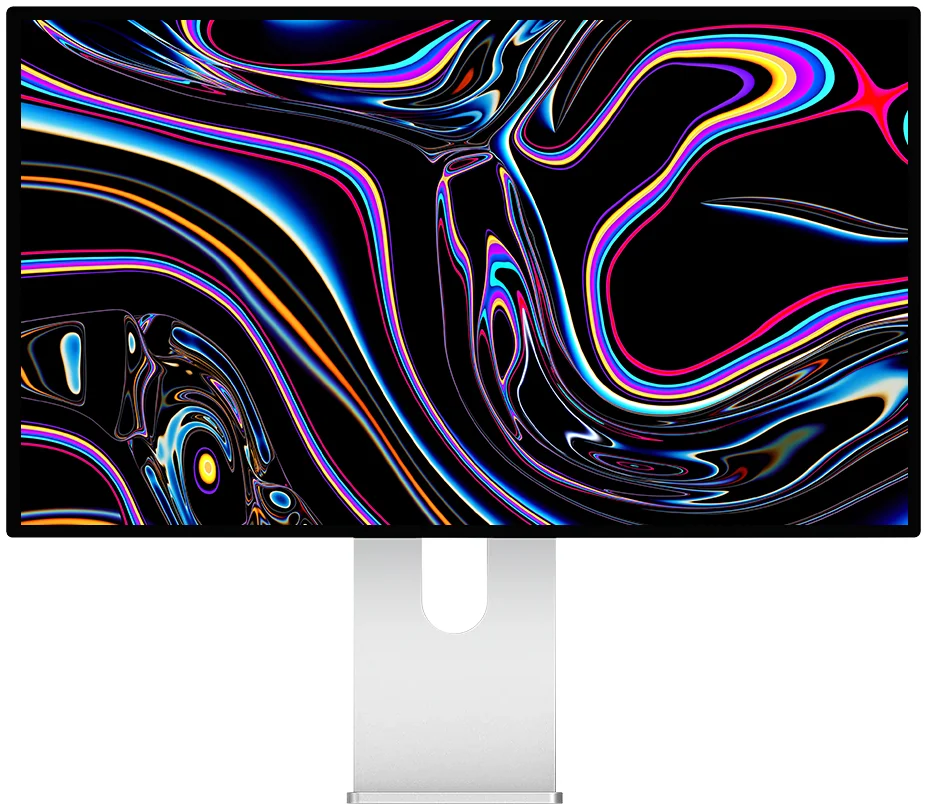
Kuycon G27P
27" · 5K · IPS Black
From $US1,099.00 incl. VAT
- Resolution5120 × 2880
- Density218 ppi
- Colours99 % DCI-P3
- Depth10-bit
- Contrast2000:1
- Brightness600 nits sustained
Why we recommend it: the same colour fundamentals as the G32P, factory calibrated, in a 27-inch format that is easier to place — and for around €940. It is the most sensible photo-editing monitor in the range.
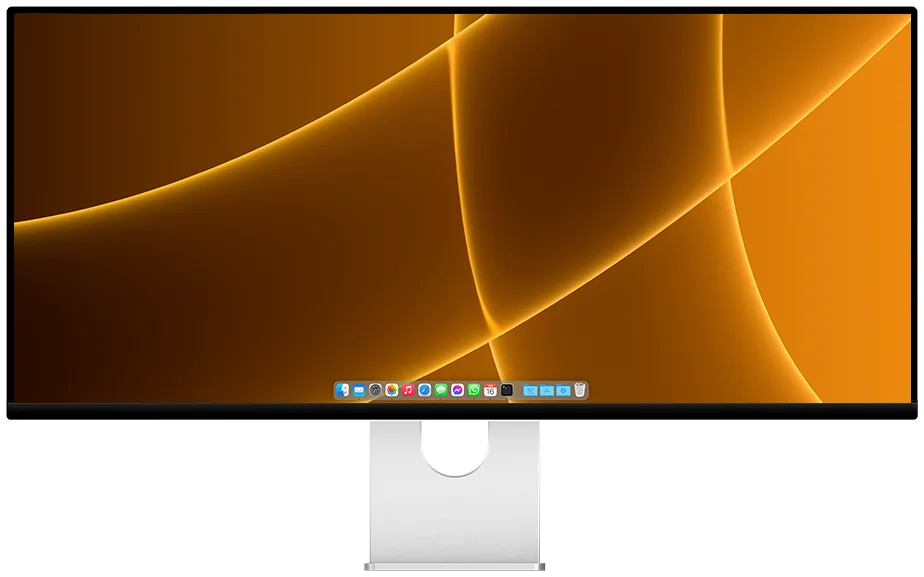
Kuycon P40K
40" · 21:9 · Nano IPS
From $US1,489.00 incl. VAT
- Resolution5120 × 2160
- Format21:9
- Colours98 % DCI-P3
- Depth10-bit
- Refresh rate120 Hz
- USB-C100 W
Why we recommend it: an editing timeline runs horizontally. 5120 pixels wide across 40 inches means a complete audio and video track without scrolling, with the program monitor beside it. The 120 Hz also helps judge how smooth a take is.
Explained
The four numbers that really count
1. Colour coverage
A monitor can only display part of the visible colours. Three spaces serve as references: the sRGB, the web standard; the DCI-P3, the standard for cinema and modern displays, about 25% wider; andAdobe RGB, historically tied to print, more extensive in greens and cyans.
Today it is DCI-P3 that counts most: it is the working space of iPhones, Macs and HDR video streams. The G27P, G32P and Q32S cover 99% of DCI-P3, the P40K 98%. Remember that below 95%, a monitor simply cannot display certain colours in your files — it replaces them with the closest approximation, without telling you.
2. Colour depth
An 8-bit panel displays 256 shades per channel, or 16.7 million colours. A 10-bit panel displays 1024 per channel, or more than a billion. The difference is invisible on an ordinary photo: it shows on wide gradients — a sky, a gradient background, skin in soft light — where 8-bit produces visible banding while 10-bit stays continuous. Every monitor in this selection is 10-bit.
3. Real contrast
This is the most often overlooked number, and yet the most visible day to day. An ordinary IPS panel tops out around 1000:1: black appears dark grey. The IPS Black technology in the G27P and G32P doubles that ratio to 2000:1, which changes how you read shadows in an underexposed photo or a night scene. The QD-OLED in the Q32S goes far further still, to 1,500,000:1, but with lower sustained full-screen brightness.
4. Sustained brightness
Mind the nuance: a monitor advertised at 1000 nits generally only holds that figure over a small area of the image, for a few seconds. What counts for work is sustained full-screen brightness — 600 nits for the G27P, 500 nits for the G32P. These values let you work in a bright room without the image looking washed out.
Comparison
The Kuycon monitors for creative work
| Model | G27P27" 5K | G32P32" 6K | G32X32" 6K | P40K40" 5K2K | Q32S32" QD-OLED |
|---|---|---|---|---|---|
| Resolution | 5120 × 2880 | 6144 × 3456 | 6016 × 3384 | 5120 × 2160 | 3840 × 2160 |
| Density | 218 ppi | 223 ppi | 218 ppi | 139 ppi | 139 ppi |
| Panel | IPS Black | Nano IPS Black | IPS | Nano IPS | QD-OLED |
| DCI-P3 | 99 % | 99 % | — | 98 % | 99 % |
| Depth | 10-bit | 10-bit | 10-bit | 10-bit | 10-bit |
| Contrast | 2000:1 | 2000:1 | 1500:1 | 1300:1 | 1 500 000:1 |
| Sustained brightness | 600 nits | 500 nits | 500 nits | 400 nits | 250 nits |
| Price | $US1,099.00 | $US1,549.00 | $US1,489.00 | $US1,489.00 | $US1,489.00 |
Manufacturer specifications. Prices are shown in your currency.
Why resolution also counts in editing
People associate 5K and 6K with crisp text. For a photographer the benefit lies elsewhere: it is the ability to judge grain, sharpness and compression artefacts at 100% without the zoom filling the whole screen. On a 32-inch 4K panel, an image shown at 100% quickly overflows; on a 6K, you see the photo at full resolution with the tools around it.
For a video editor the reasoning is comparable: a 6K panel lets you show a program monitor in native 4K, at real scale, while keeping the timeline and panels visible.
Matte or glossy?
The question divides opinion, and the right answer depends mostly on your room. A mattecoating, like the P40K's, scatters reflections: it is the choice for a desk facing a window. It also scatters very slightly the light emitted by the panel, which imperceptibly softens the rendering. A glossy anti-reflectivecoating, as on the G32P, preserves maximum contrast and saturation — provided there is no direct light source behind you.
In practice: bright room or window behind you, choose matte. Controlled room, indirect lighting, choose glossy.
Should you calibrate, and how?
The G27P and G32P are individually factory calibrated, which is enough for a large share of uses. Personal calibration remains useful in two cases: if you print and need screen and print to match, or if several of you work on the same graphics chain and need to align workstations.
- A probe is enough — an off-the-shelf colorimeter and its software generate an ICC profile that macOS or Windows applies automatically.
- Set the brightness before anything else. For print work, the usual reference is around 120 cd/m², well below the monitor's maximum. The DDC/CI protocol lets you set that value from the computer; we detail the available tools on the brightness control.
- Take the measurement again two or three times a year. Every panel drifts slowly; that is normal and it takes ten minutes to correct.
FAQ
Creative monitor: frequently asked questions
Which Kuycon monitor should you choose for photo editing?
The G27P in most cases: 99% DCI-P3, 10-bit, IPS Black contrast of 2000:1, 600 sustained nits and factory calibration, for around €940. If you work on large files and want to show your images at 100% with the palettes around them, the 32-inch 6K G32P is the better choice.
Is 99% DCI-P3 enough for professional work?
Yes for photography destined for the web, for video and for interface design, which are the dominant uses today. If your production chain is entirely print-oriented and built on Adobe RGB, check the coverage of that specific space on the product page before ordering.
Do you really need a 10-bit panel?
For image work, yes. The difference does not show on an ordinary photo but on wide gradients — skies, backgrounds, skin in soft light — where an 8-bit panel creates visible banding. Every monitor in this selection is 10-bit.
IPS Black or QD-OLED for creative work?
IPS Black for precision work day to day: high sustained brightness, no burn-in risk with static interfaces, perfectly stable behaviour. QD-OLED to judge the final rendering of HDR content, thanks to its unmatched contrast — but its full-screen brightness is lower, which makes it less comfortable for a long day on light documents.
Are these monitors calibrated on delivery?
The G27P and G32P are individually calibrated at the factory. That is enough for most uses; a probe remains recommended if you need to match the screen to paper prints or align several workstations with each other.
Accurate colours, from €940
99% DCI-P3, 10-bit, individual factory calibration and IPS Black contrast — without the price of a reference monitor. Delivery and after-sales service in Europe, 2-year warranty in the European Union.
See all Kuycon monitorsGuide written in August 2026. The specifications are those published by the manufacturer at that date and are subject to change; check the product page before buying. Kuycon prices are shown in your currency.