
Fundamentals · Updated in 2026
HDR explained: what it is, and when it helps
The acronym appears on almost every spec sheet, and covers very different realities. An "HDR compatible" monitor may bring strictly no visible benefit. Here is how to read that line, and what to look at instead.
What HDR actually does
HDR — high dynamic range — widens the gap between the darkest and the brightest point of the same image. In practice: a reflection of the sun on a car body can be dazzling while the shadow under the car stays readable, instead of being crushed into a flat grey.
To achieve that, a monitor needs three things: brightness, contrast, and a colour depth sufficient to avoid breaks in gradients. A monitor that only ticks the "accepts an HDR signal" box without those three qualities displays a duller image than in standard mode.
The certifications, and what they are worth
- DisplayHDR 400 — the entry threshold. It requires neither local dimming nor high contrast: the visible gain is often zero, sometimes negative.
- DisplayHDR 600 — the first level where the effect becomes real, with markedly higher sustained brightness. It is the P27Z's certification.
- Beyond that — the higher levels imply a backlight with dimming zones or a self-emissive panel.
Contrast does half the work
A panel at 1000:1 cannot produce true HDR: its black is already grey. An IPS Black panel at 2000:1 doubles the margin, and a QD-OLED panel, in which every pixel genuinely switches off, reaches 1,500,000:1 — which explains why the same night scene looks spectacular on one and flat on the other. The subject is detailed in which panel to choose.
In pictures
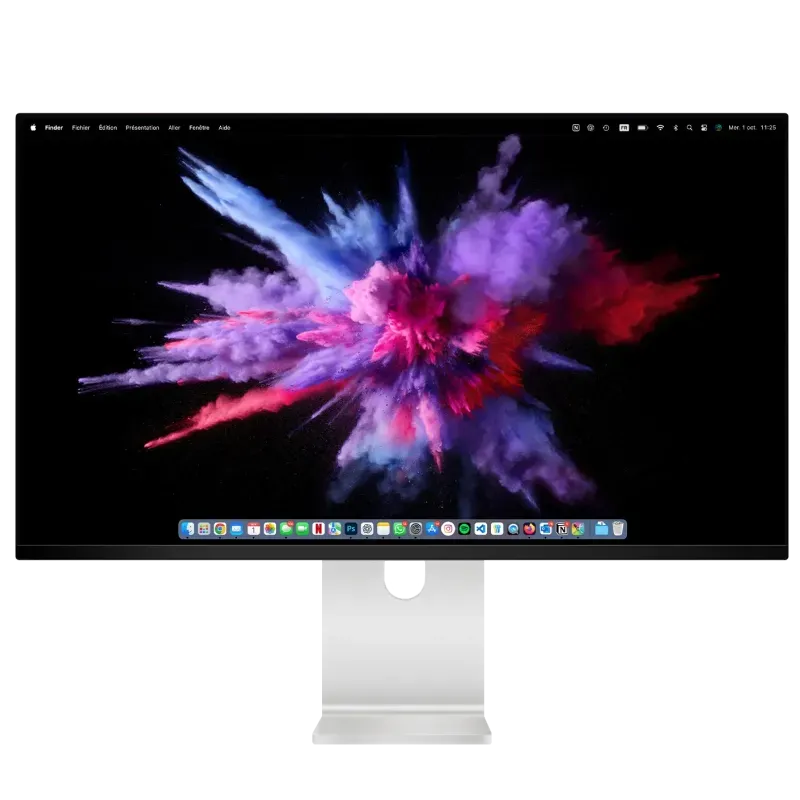
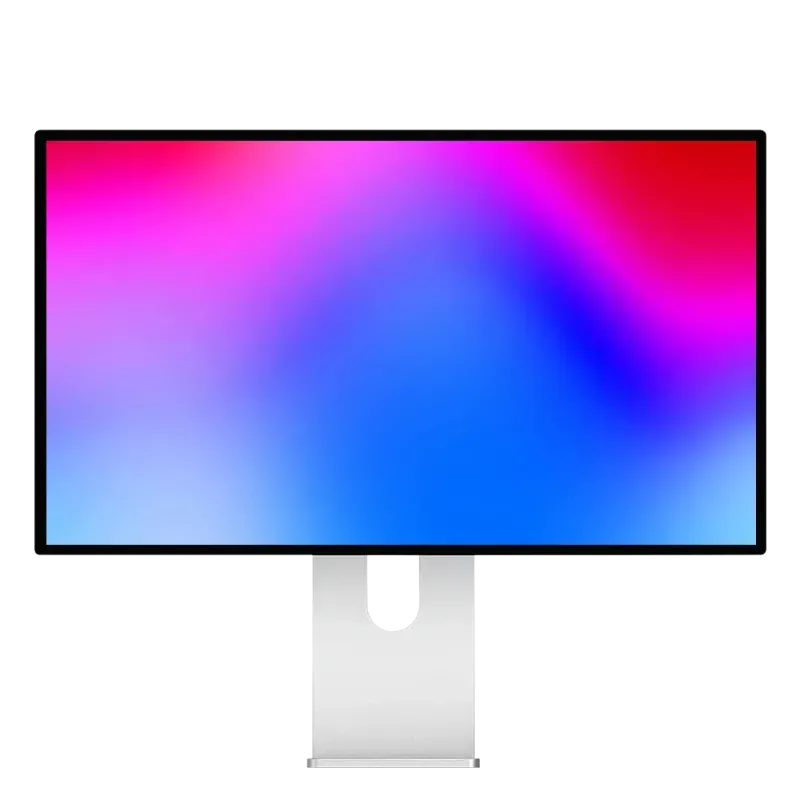
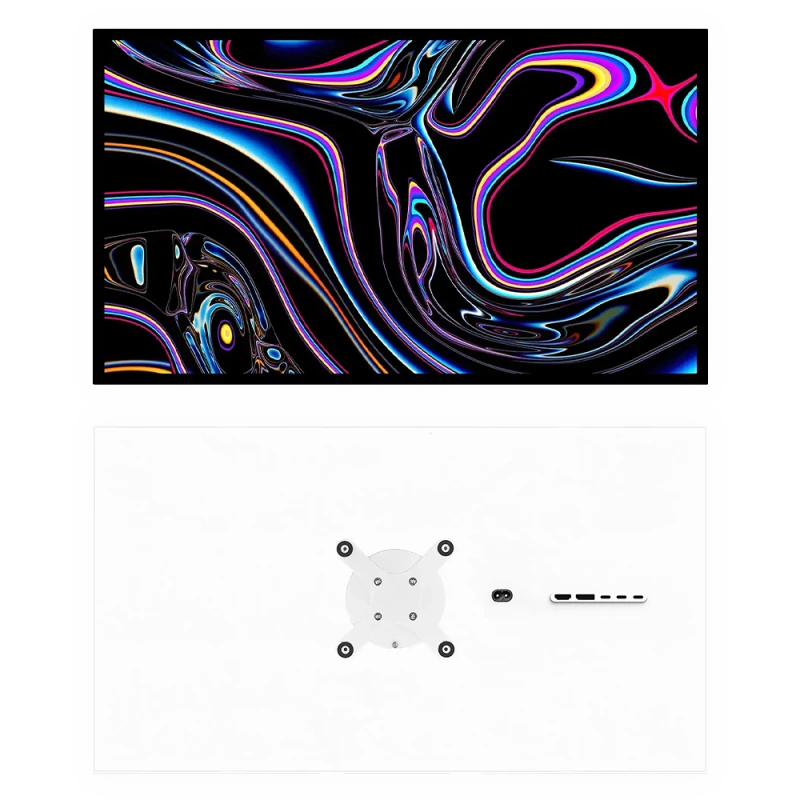
Three ways of displaying HDR
HDR does not depend on a logo but on what the panel can produce.
Setting it up properly, or switching it off
Only turn it on for HDR content
On Windows, permanent HDR often washes out interfaces and web pages designed for standard mode. Turn it on when launching a game or a film, not permanently.
Run the system calibration
Windows and consoles offer an assistant that adapts the rendering to the monitor's real brightness. It is the step that changes the result most, and the one most often skipped.
On a Mac, let it be
macOS handles the switch automatically according to the content displayed: there is nothing to enable.
Judge it in a dark room
HDR is judged in the low lights. In a very bright room, most of the benefit is invisible.
When HDR is of no use
For office work, code, photo editing destined for the web or browsing, HDR brings nothing: this content is produced and distributed in standard dynamic range. It is useful for cinema, recent games and grading HDR content. If your use falls into the first category, do not pay for that line: look instead at contrast and sustained brightness, which improve the image all the time.
FAQ
HDR: frequently asked questions
Does HDR always improve the image?
No. On a monitor without sufficient brightness or contrast, it can even degrade the result. And for office work or the web, content produced in standard range, it brings nothing.
What is the DisplayHDR 400 certification worth?
Not much: it requires neither local dimming nor high contrast. The first level where the effect becomes genuinely visible is DisplayHDR 600.
Should you look at peak brightness?
Rather at sustained full-screen brightness. A peak of 1000 nits held for a few seconds over a small area says nothing about real comfort; 600 sustained nits permanently does.
Should you leave HDR enabled all the time?
On Windows, no: it often washes out interfaces designed for standard mode. Turn it on for a game or a film. On a Mac, macOS handles the switch automatically.
Which panel for the best HDR?
QD-OLED, in which every pixel genuinely switches off: 1,500,000:1 contrast. An IPS Black panel at 2000:1 offers a good compromise with higher sustained brightness.
HDR you can see
DisplayHDR 600 on the P27Z, QD-OLED contrast on the Q32S, 600 sustained nits on the G27P. 2-year warranty in the European Union.
See all Kuycon monitorsGuide written in August 2026. Certifications and brightness levels vary by model; check the product page before buying.